 Reachability · User guide
Reach your box from anywhere
Your box lives on your own hardware, usually behind a home router — so how does your phone reach it from a café? It dials OUT to a relay and waits there for you. By default that relay is the built-in Vulos relay — a role of the same binary, so any box you run with a public IP can be your relay; run one or several and the OS picks the best by latency and load. Prefer a direct route or an experimental broker like Pier? Swap it in any time. No ports to open, no static IP.


Why you need this
Home internet hides your box behind a router (this is called NAT). Nothing on the outside can knock on its door directly. So instead, your box makes an outbound call to a helper on the public internet — a relay — and holds that line open. When you open Vulos on your phone, you reach the relay, and the relay passes you through to your box.
Because your box is the one that dialled out, you never open a port on your router and you never need a fixed address from your internet provider.
The easy way: the built-in Vulos relay
The default path is a relay you run yourself. A relay node is nothing exotic — it’s just Vulos running on a box with a public IP (vulos relay serve), so the same software you already trust holds the door open. Spin up a small cloud VPS, run Vulos in relay mode on it, and point your box at it: your home box then opens no ports, because it dials out to a relay you operate. Vulos the org runs no relay for you — that’s the sovereign trade-off, and it’s why nobody else is ever in your path.
Traffic between you and your box stays end-to-end encrypted. The relay only forwards it — it holds the door open, it does not read what passes through.
Bring your own (optional)
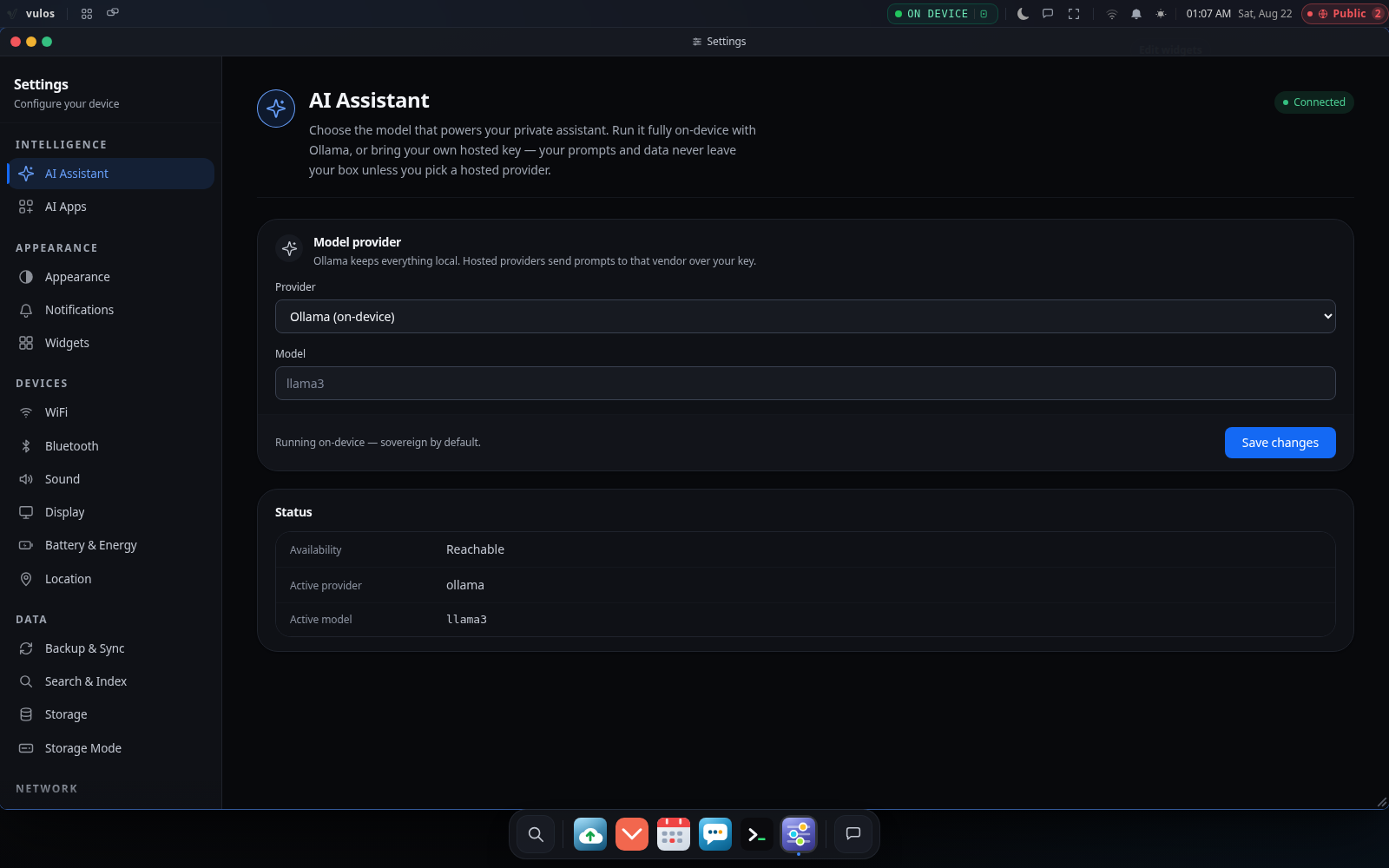
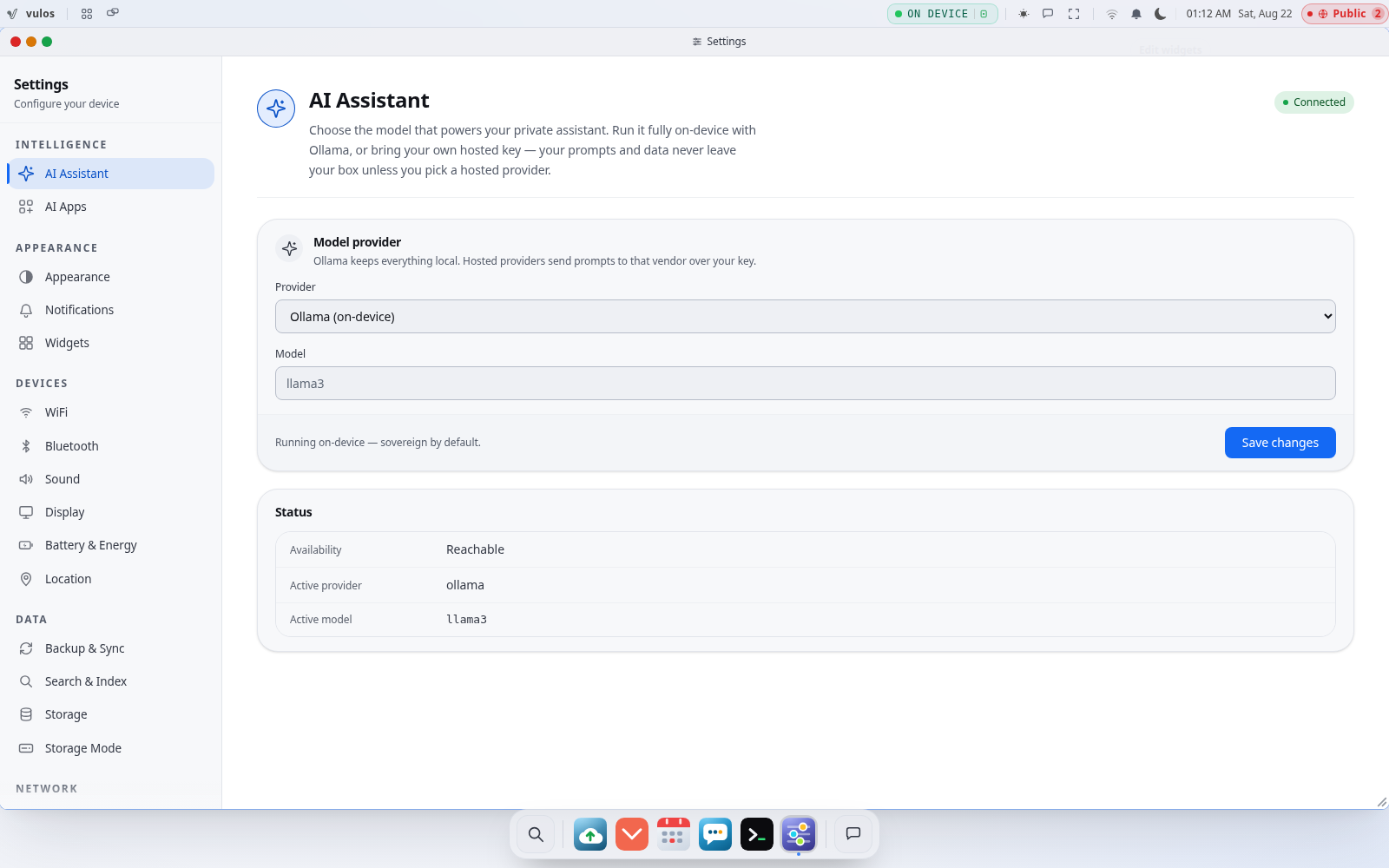
Prefer to run your own plumbing? Open Settings → Network → Relay & Reachability (box owner only). You can pick a different provider for each independent concern:
- Bring your own STUN/TURN — your own call-media server (coturn or any provider).
- libp2p Circuit Relay v2 — your own relay peers for box reachability and discovery.
- WireGuard mesh — reach the box over Tailscale, Headscale, or Nebula instead of the relay tunnel.
- Experimental broker (Pier) — point at a Pier instance (part of the Kotva ecosystem) instead of the built-in relay. Wire-compatible, but experimental — the built-in relay is the supported default.
- None — you have a static IP or you forward a port yourself; no relay tunnel at all.
Changing this is a sensitive action, so Vulos probes the new endpoint first — POST /api/relayconfig/test TCP-connects to it — and only switches over once it actually answers.
Check it from anywhere
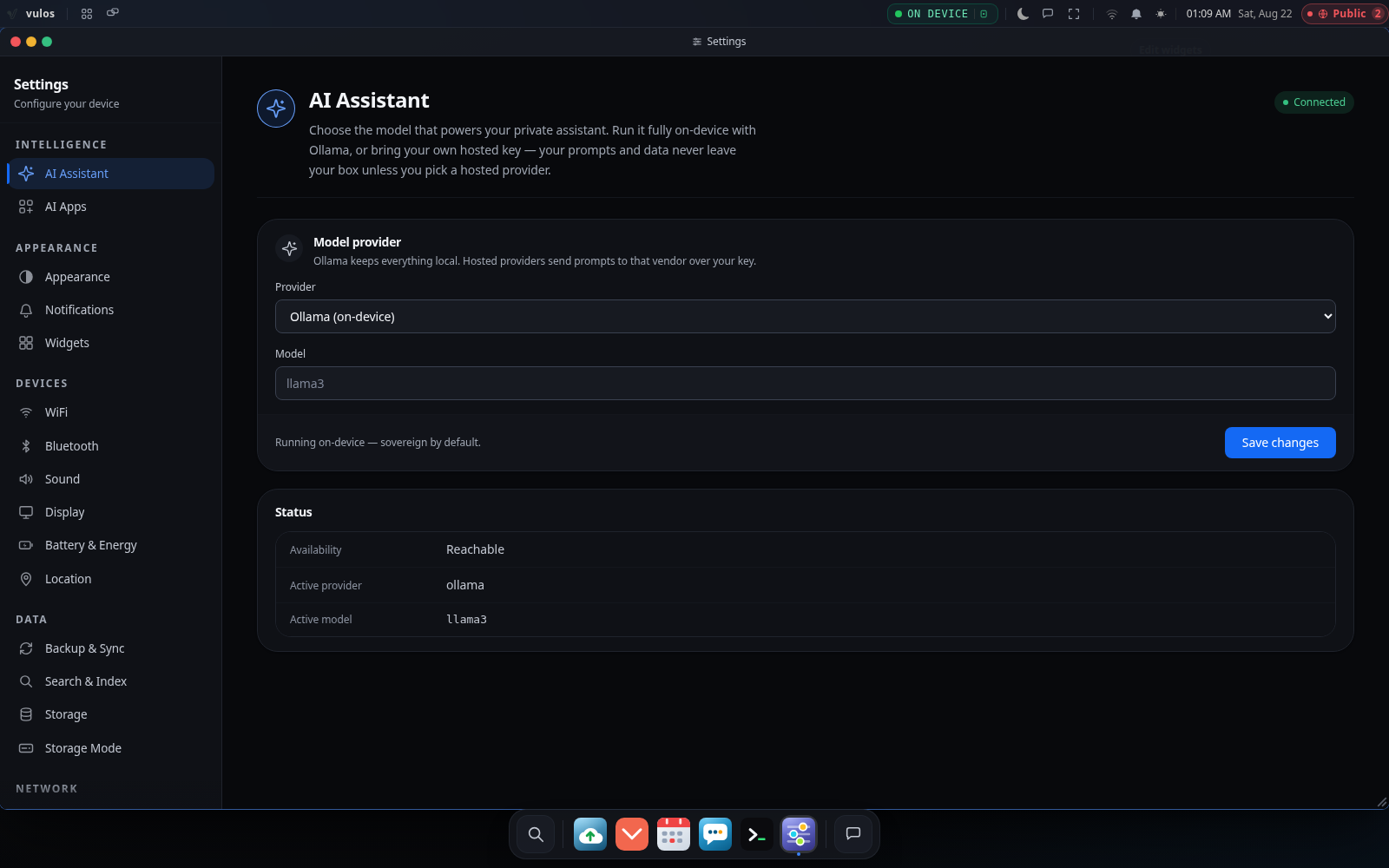
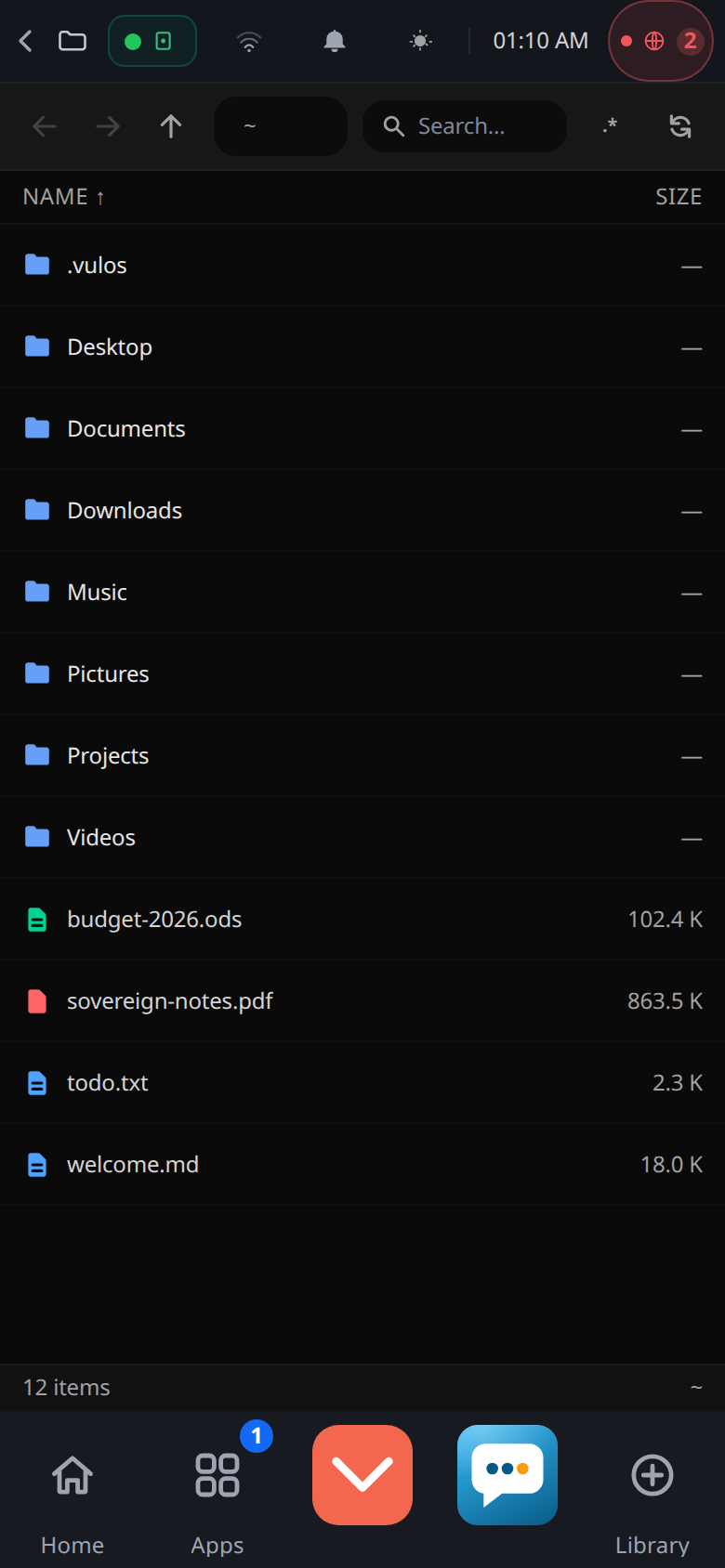
Turn off Wi-Fi on your phone (so you’re on mobile data, genuinely off your home network) and open your Vulos address. You should land on your own desktop. That’s the whole point: your box, on your hardware, answering from the other side of the world.
If it does not answer, the built-in Troubleshooting guide walks through the usual culprits — a firewall dropping the outbound connection, or a provider that has not finished switching over.
What you have now
- Your box reachable from anywhere, with zero ports opened on your router
- Your own relay node on a cloud VPS — reachability you operate end to end
- The choice to bring your own STUN/TURN, libp2p, WireGuard, or an experimental broker whenever you want
- Confidence it works, tested over mobile data