The operating system you own.
Vulos is a web-native operating system that boots on your own hardware and opens in any browser, on any device. A real desktop: a window manager that snaps and tiles, a dock, files, a terminal, an app store, and your own private AI running on your box. It manages itself, you hold the keys, and you can walk away with all of it.
Drag a window to the edge. It snaps.
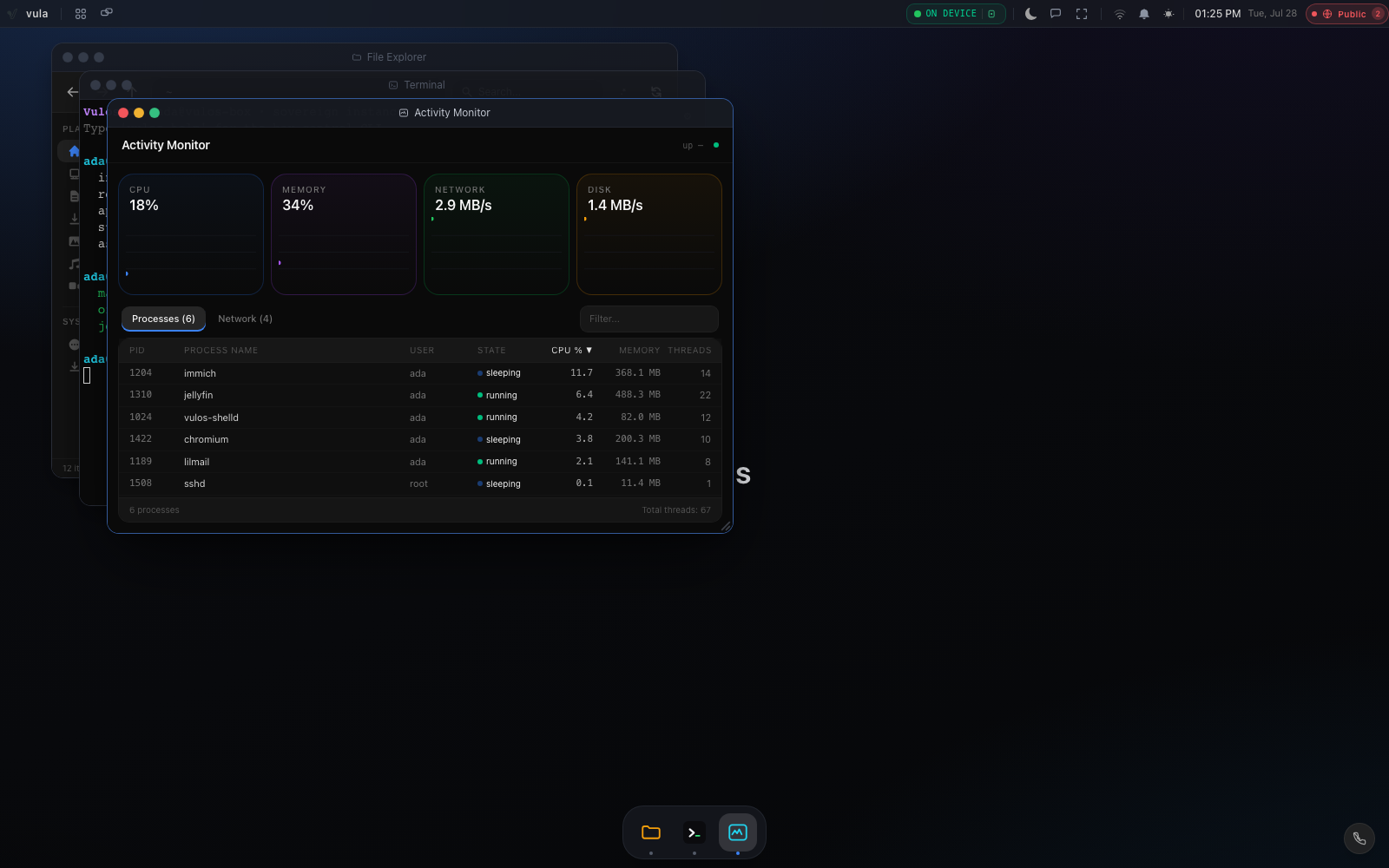
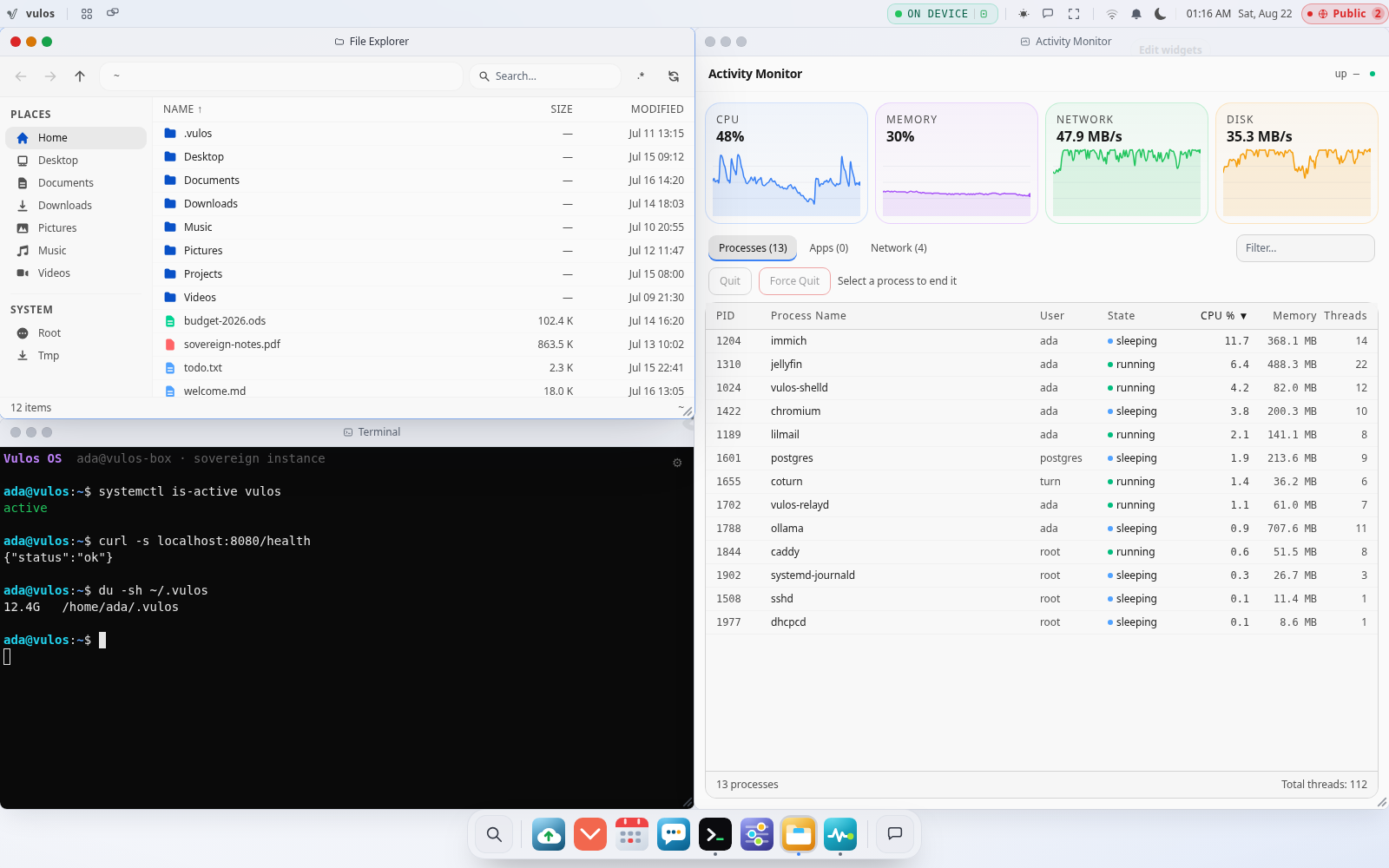
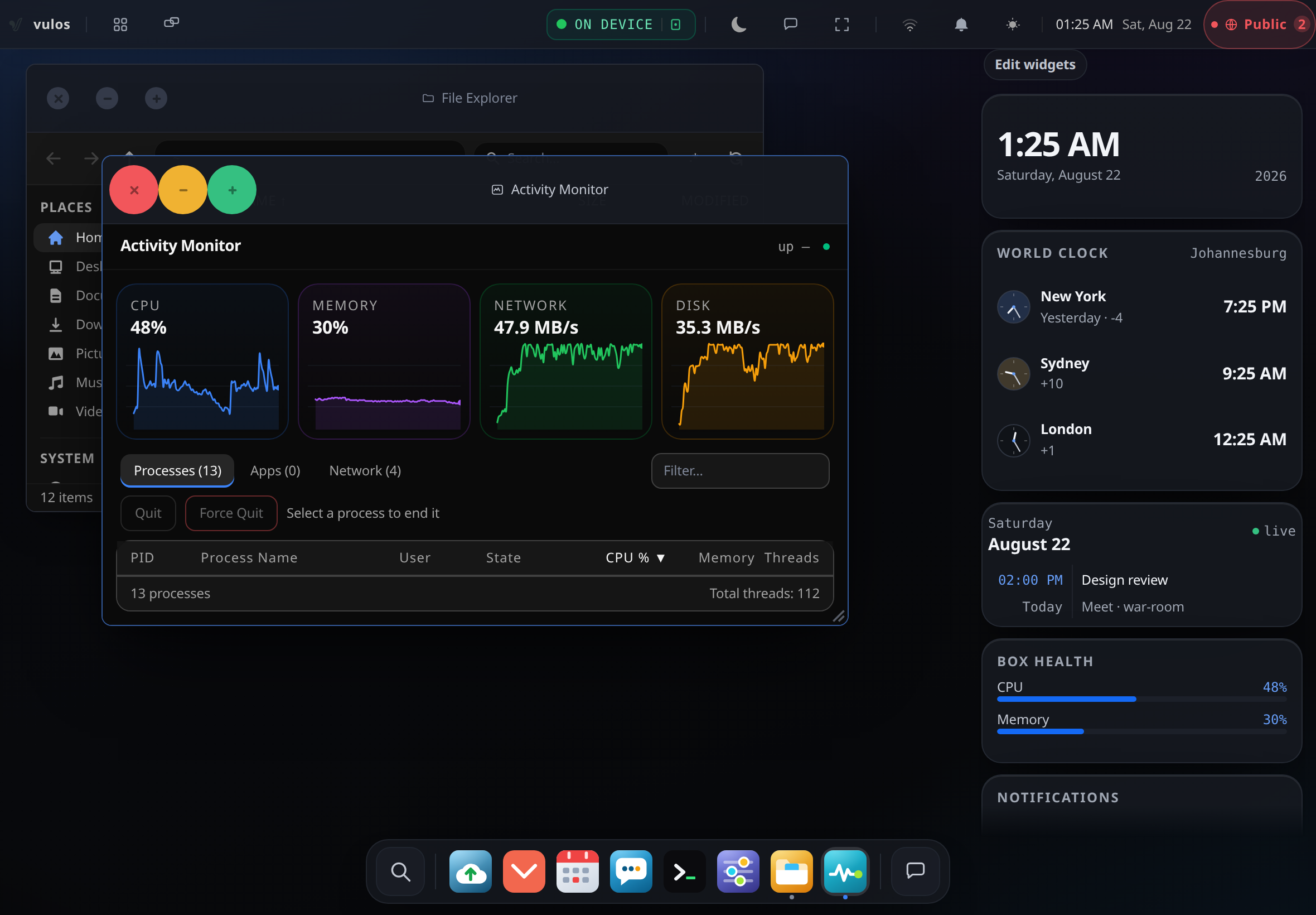
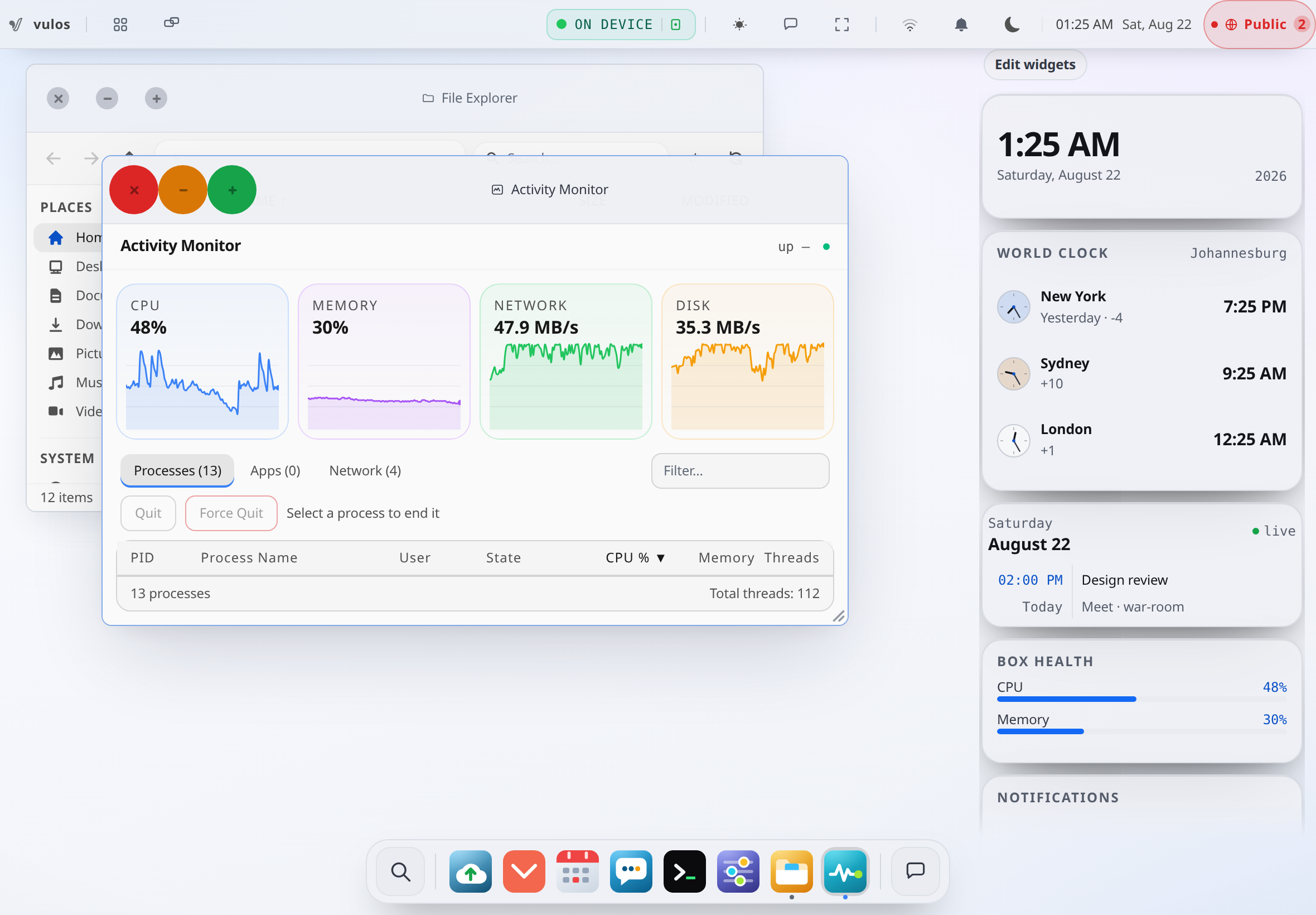
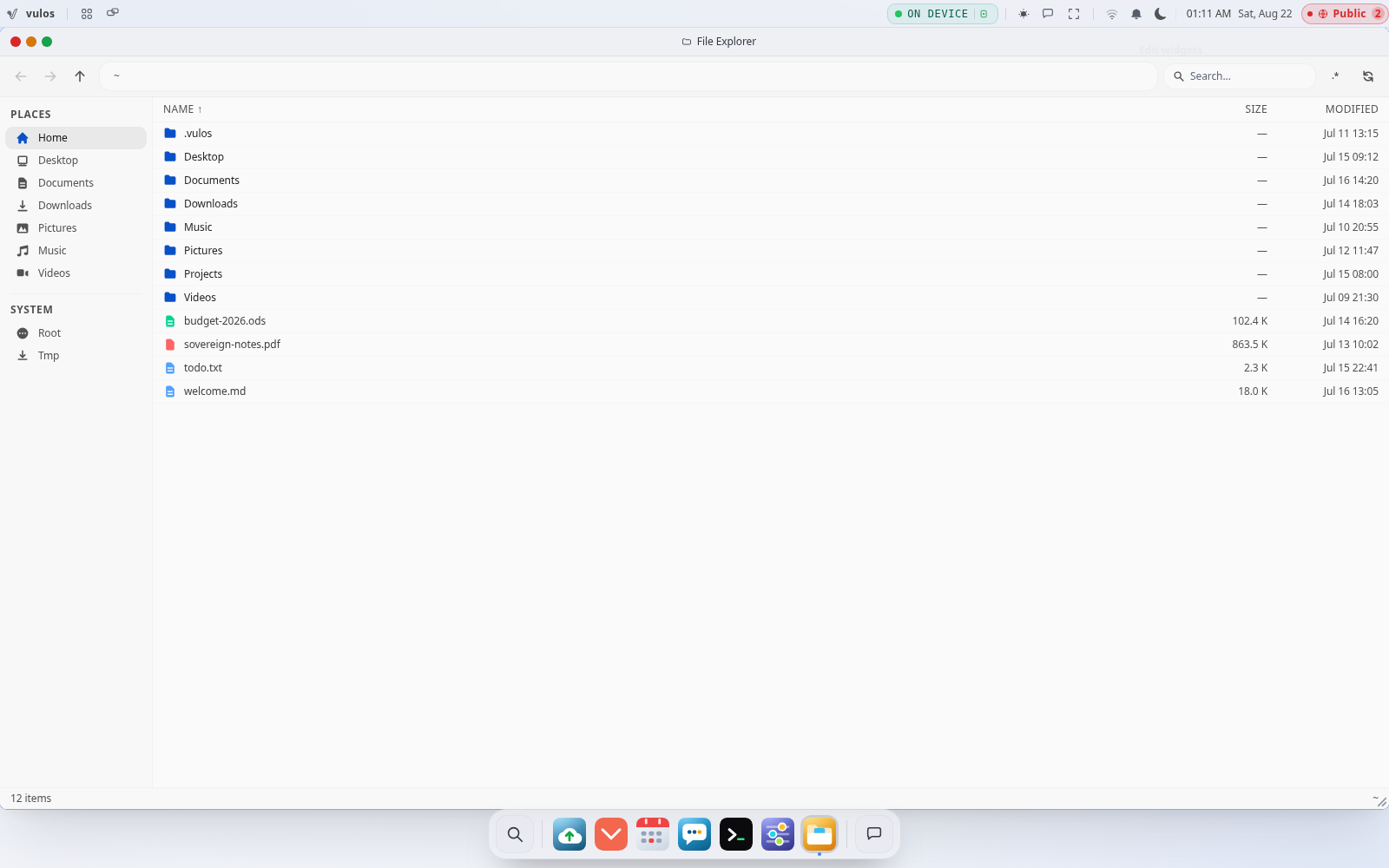
Title bars, close/minimise/maximise, a snap preview at the screen edge, quarters in the corners, a dock that raises and hides them, nine virtual desktops and a Mission Control grid over the lot. This is not a desktop metaphor painted on a web page — it is the shell you get when you open your box, and here it is at a size where you can check the chrome yourself.
Tile from the keyboard
← and → snap the active window to a half, ↑ maximises, ↓ puts it back to the floating geometry the shell remembered from before you first tiled it. Ctrl+Alt+Arrow does the same on a keyboard with no usable Super key.
Snap to an edge
A 48 px hot zone lights up a live preview as you approach. Left and right give halves, the top gives full screen, a corner gives that quarter. Halves and quarters tile the usable area exactly — no seams. Drag a tiled window and it floats free again.
Cycle and close
Alt+backtick walks the window stack, Shift walks it backwards, Ctrl/Cmd+W closes the active one. None of it fires while your cursor is in a text field.
Mission Control
Every window on the current desktop laid out on a grid, with a strip of desktops along the top. Click a window to jump to it, hit × on a thumbnail to minimise it, Esc to back out.
Virtual desktops
Nine of them, Ctrl+N for another. Closing a desktop moves its windows to the next one rather than taking them down with it.
Windows survive it
Which desktop each window was on, its position, size, minimised state and tile state are saved as you work and restored when you come back. Streamed native-app windows need a live backend session, so those are dropped on purpose rather than restored broken.
It knows which screen it is on.
- Desktop
Floating and tiled windows, drag, resize from any edge, z-order with a focus ring on the active one.
- Tablet
The same window layer, sized to the screen — overlapping windows, the same title bars, the same dock.
- Phone
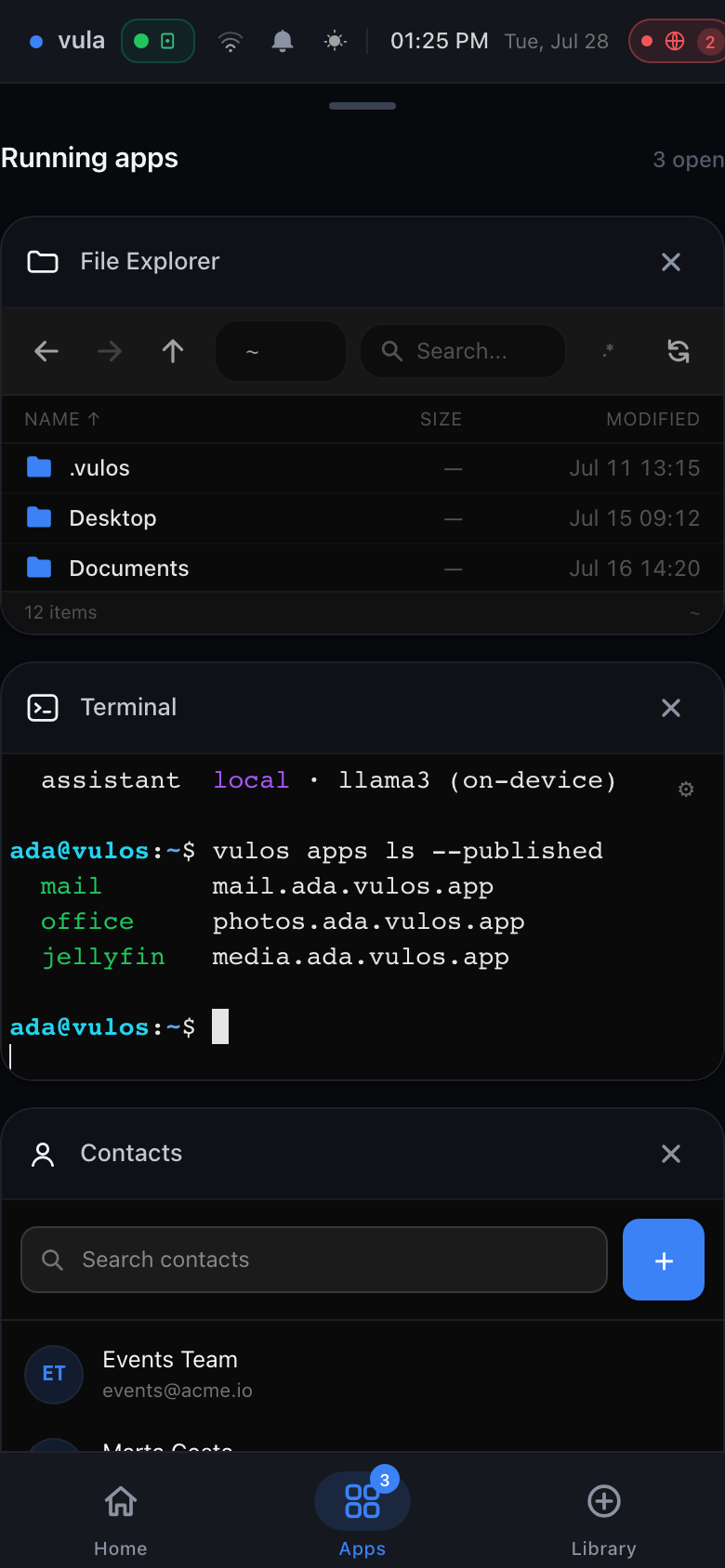
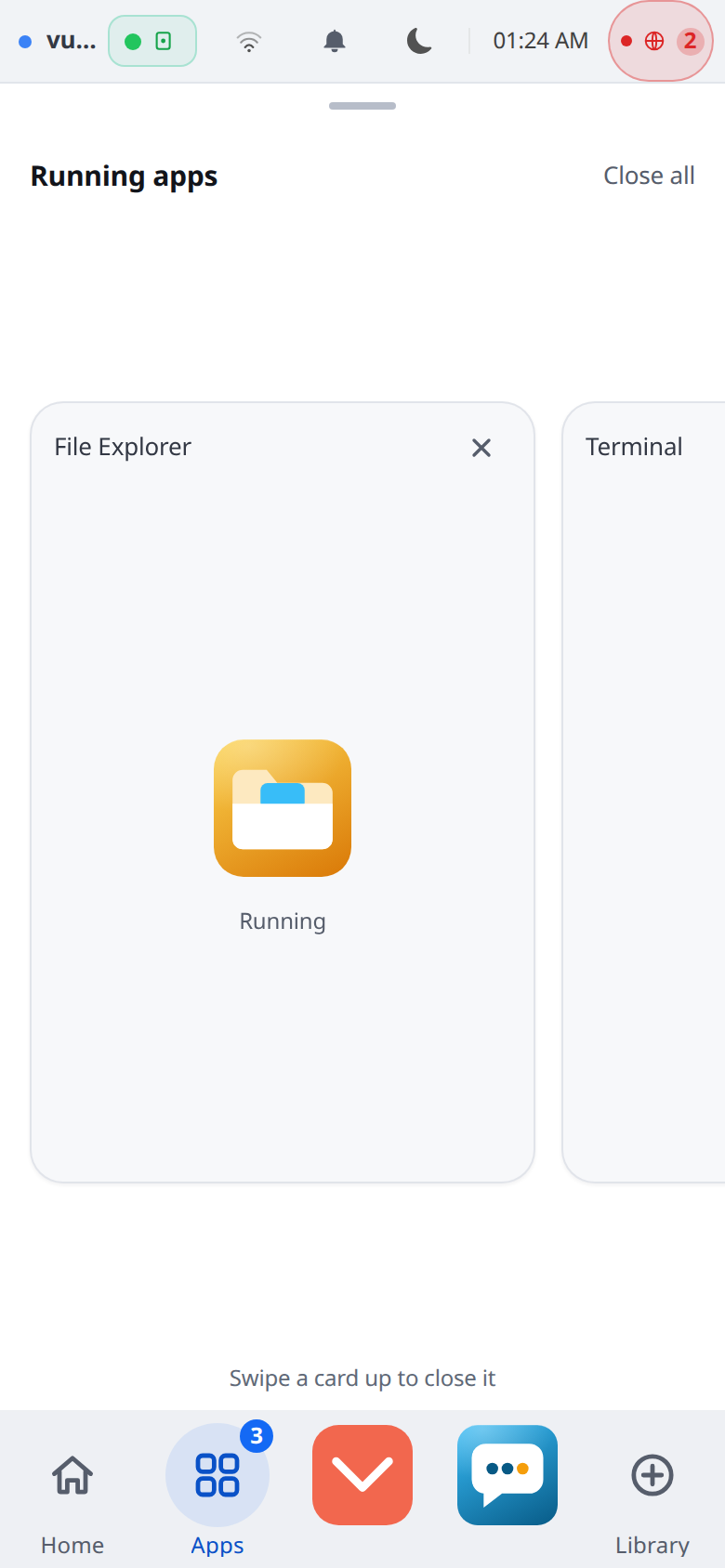
Here it stops pretending. There are no four-millimetre draggable windows on a phone: an app takes the whole screen, and Home · Apps · Library sits under your thumb. Everything you switch away from stays mounted in the background, so its scroll position and state are exactly where you left them.
So what is it, actually?
It exists so the machine your work lives on is one you can open, read and replace — agency, not a privacy slogan. Which only means anything if you can see what is in it. So: six layers, from the box on your desk up to the window you drag.
The shell
a React SPA, in any browserThe window manager, dock, menu bar, Mission Control, Launchpad and the ⌘K palette are one single-page app your box serves you. It is not compiled into the backend — the server looks for a web root on disk and serves it — so the interface can be rebuilt, forked or replaced without recompiling a line of Go.
Apps
namespaced · streamed on demandA web app gets its own Linux network namespace and its own port behind the app gateway, with no shared bridge to any other app. A native Linux app — GIMP, LibreOffice, a game under Wine — launches into its own virtual display and streams that single window in over WebRTC. Close the window and the stream is torn down. There is no always-on VNC session.
The assistant
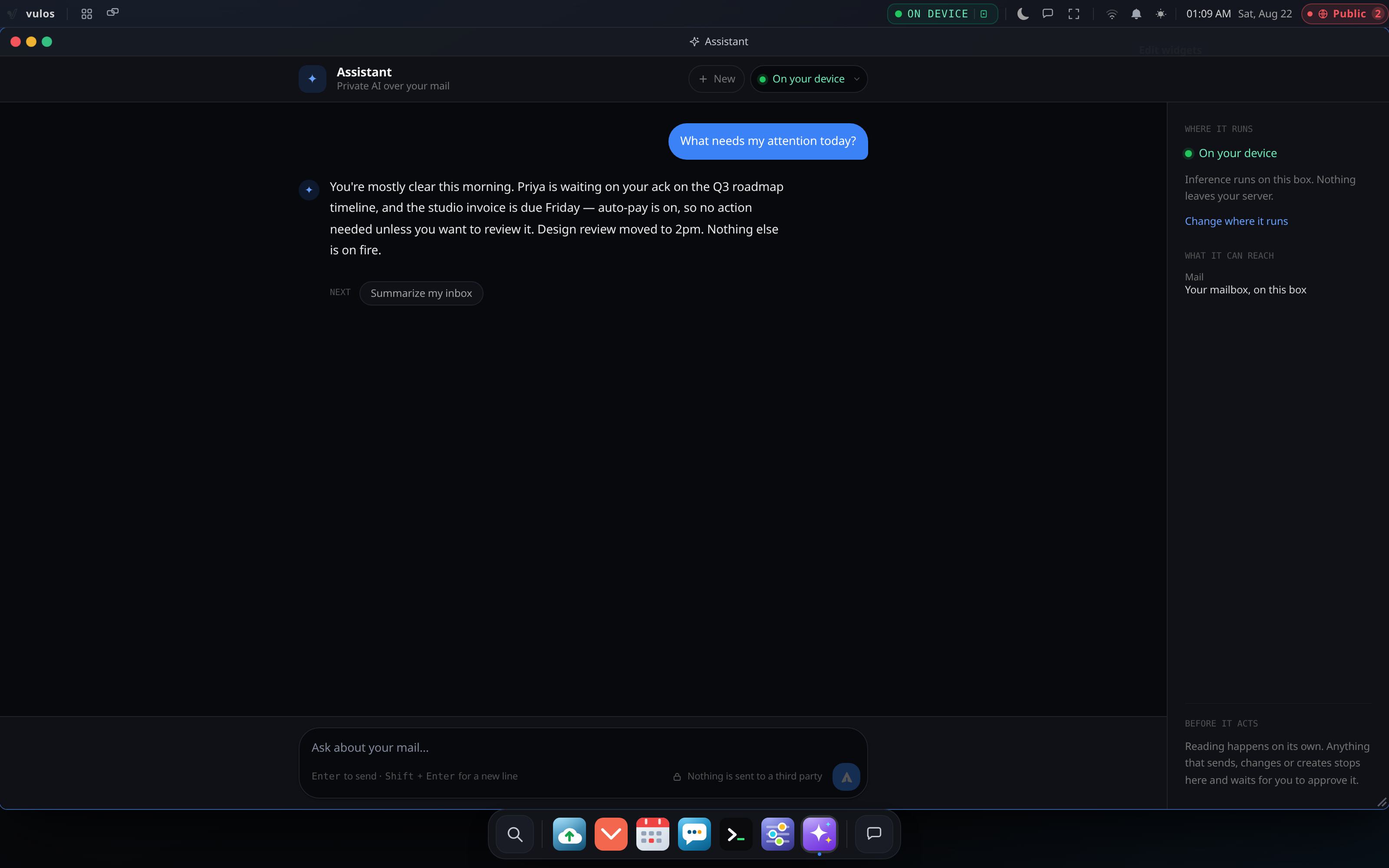
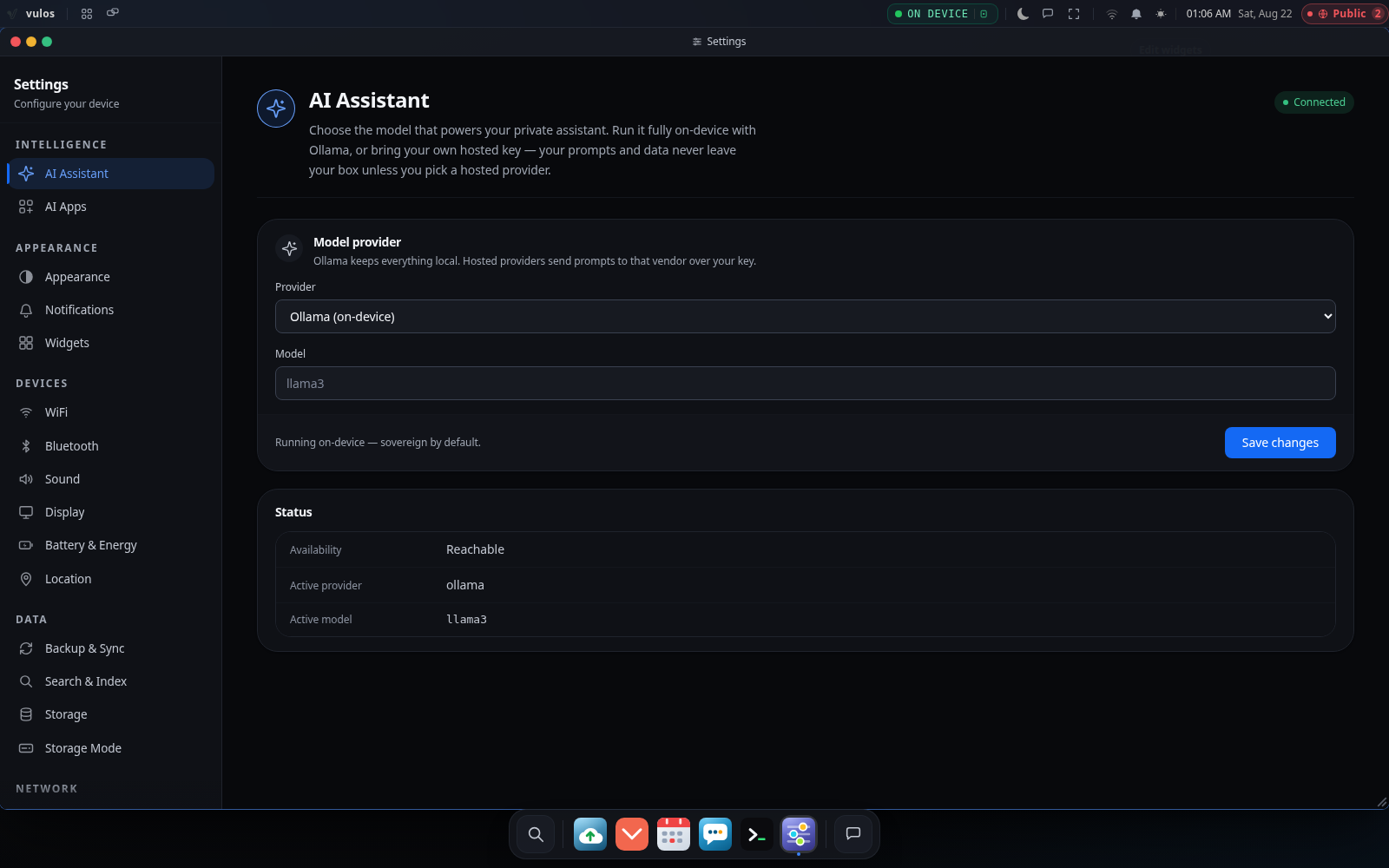
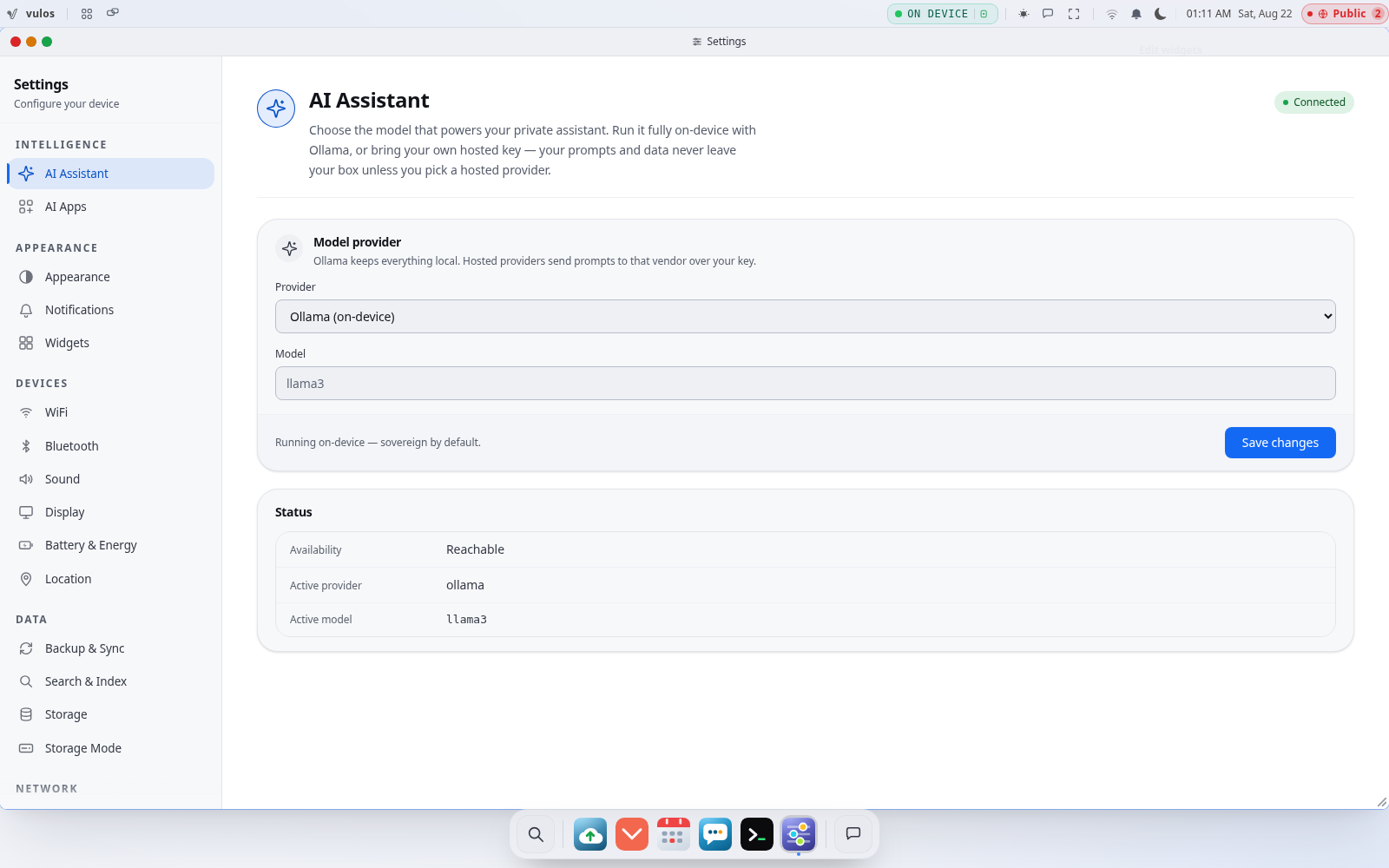
llmux, in the same processllmux runs embedded by default — one binary, no sidecar — against a model you choose, local or your own key at a provider. Read-only tools answer inside the turn; anything with a side effect comes back as a proposal in a single-use server-side ledger, and approving posts only an opaque id. An egress guard fences what may leave the box at all.
The backend
one Go binary, one processAPI, app gateway, peering and the shell’s static files are all one process to supervise, with SQLite on disk for auth and config — no external database for a basic install. Your documents go to local storage or an S3-compatible bucket you name. A deploy is two artifacts: the binary and a dist/ folder.
The image
signed squashfs · Ed25519 anchorThe root filesystem is an immutable squashfs and an Ed25519 trust anchor is baked in at build time; a netboot missing its signature inputs halts rather than falling back to an unverified mount. Booted from the live USB, dm-verity re-checks the root block by block as the kernel reads it. A netboot install does not yet stage that hash tree beside the image, so an installed box runs an image whose signature was checked rather than one held under continuous verification — the architecture chapter says so plainly. Trust is signature-first either way: a successful TLS handshake never authorises a payload.
Your hardware
mini-PC · old laptop · any VPSOne machine, bare metal or a VM, anywhere you like. The same image and the same binary run in every deployment shape; what changes between them is who owns the box and which optional seams are configured — never the feature set.
The rest of it.
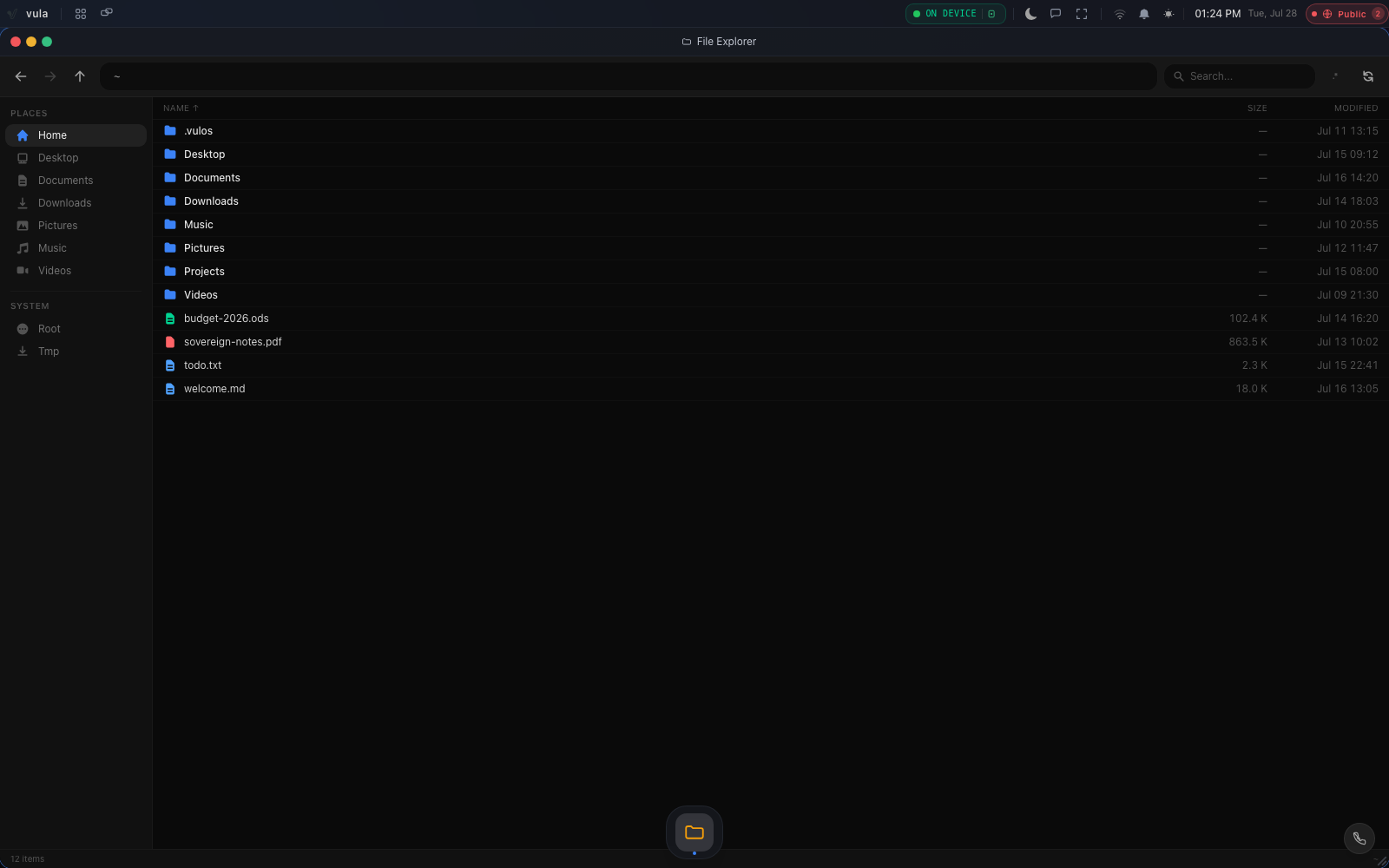
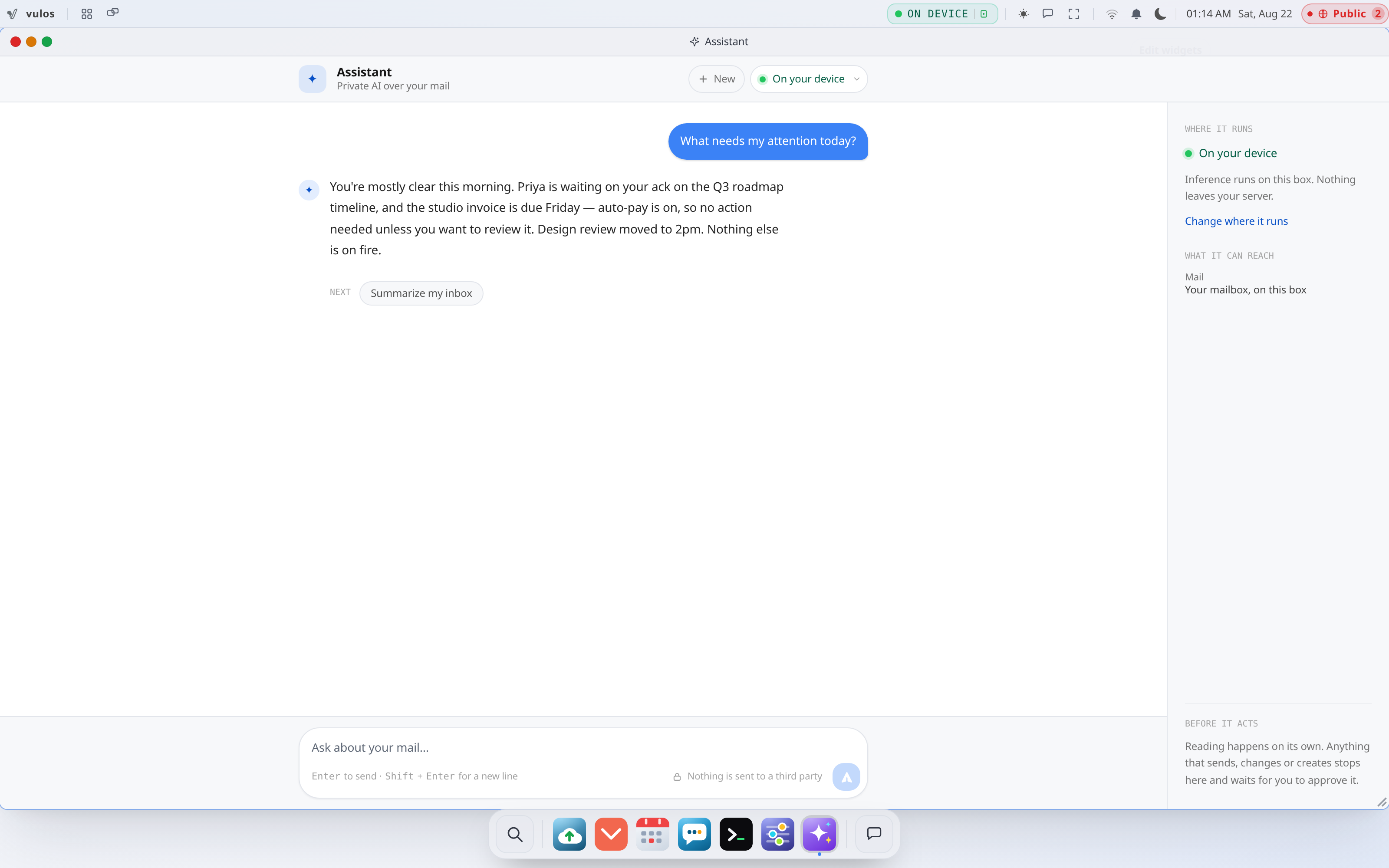
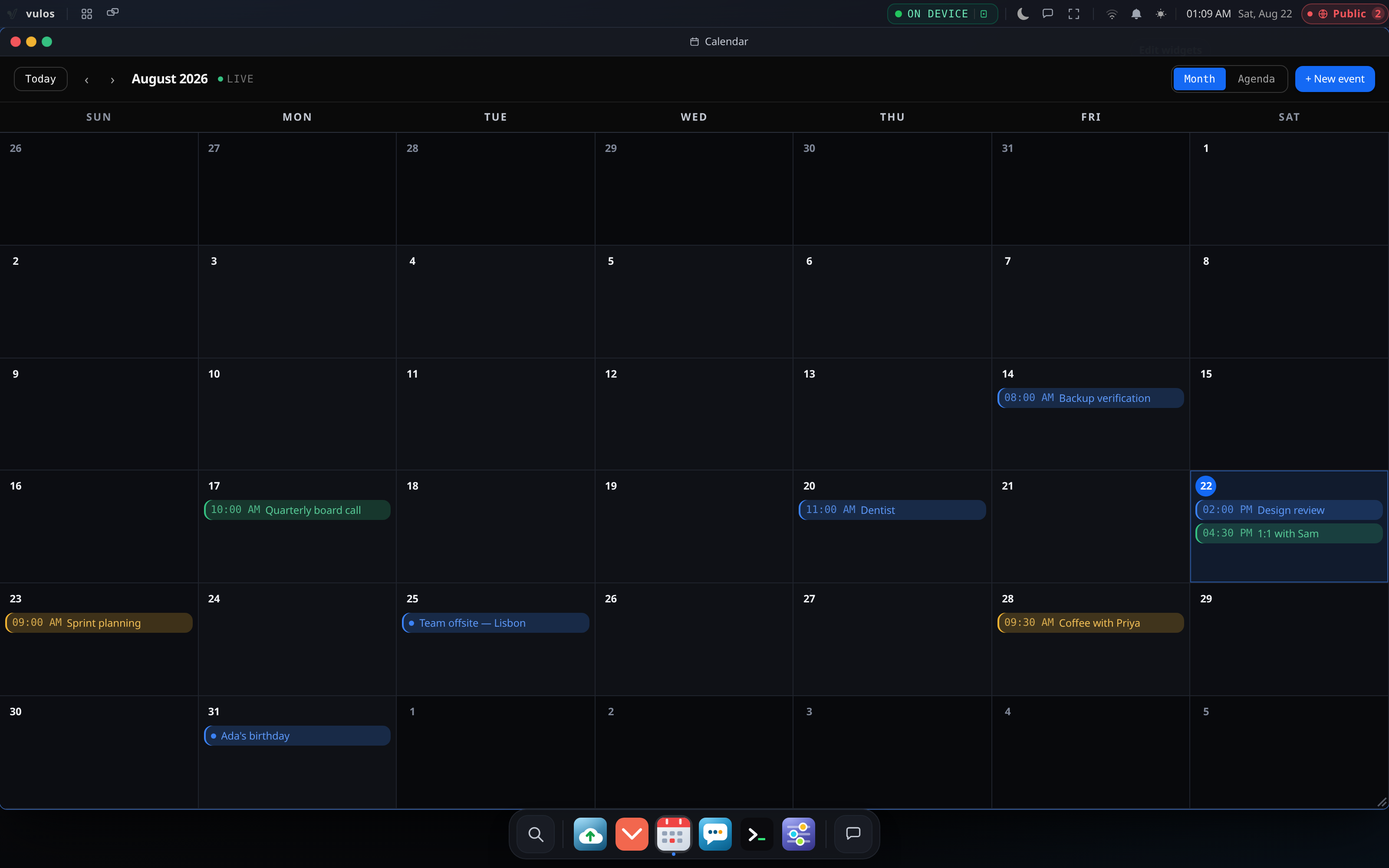
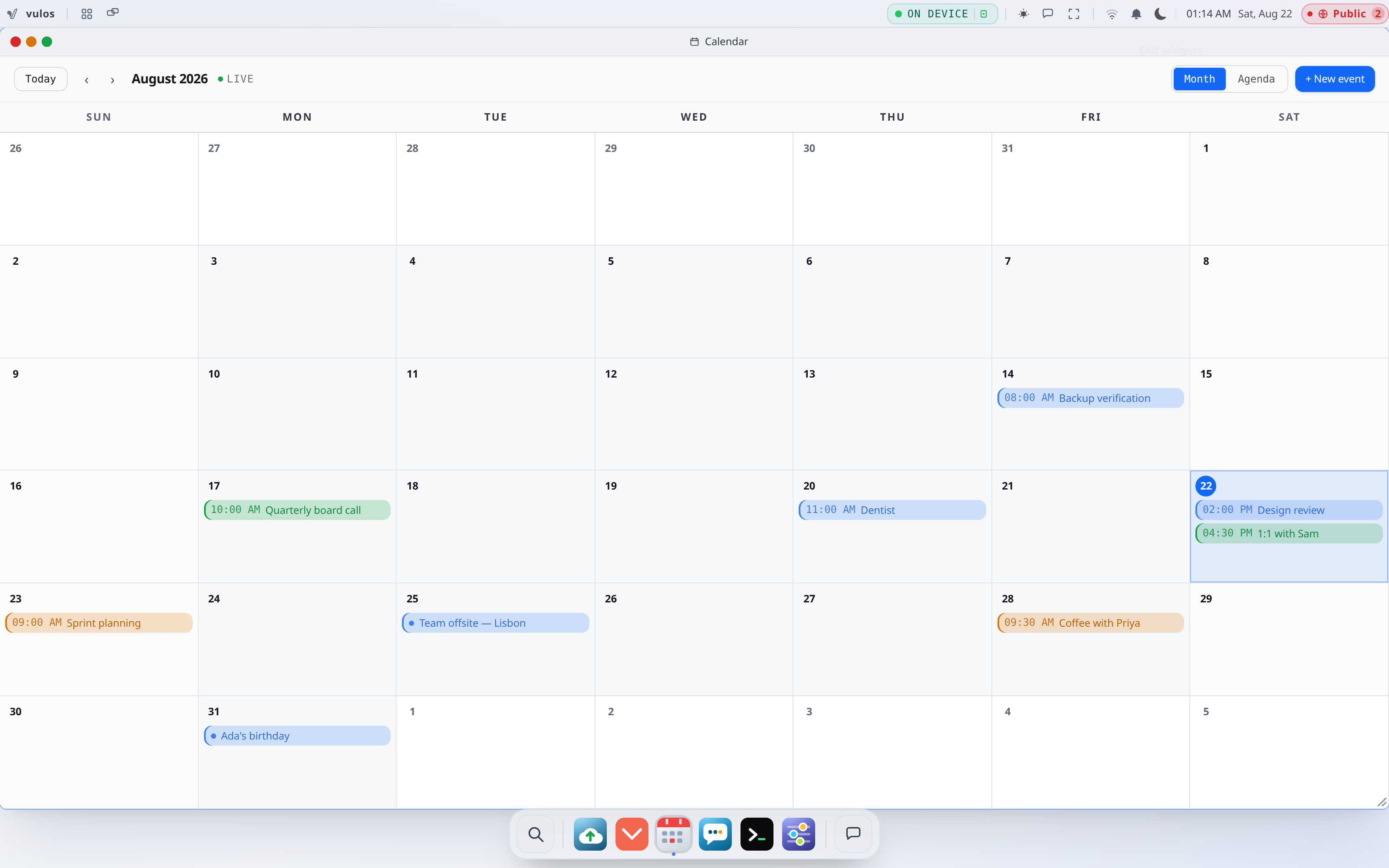
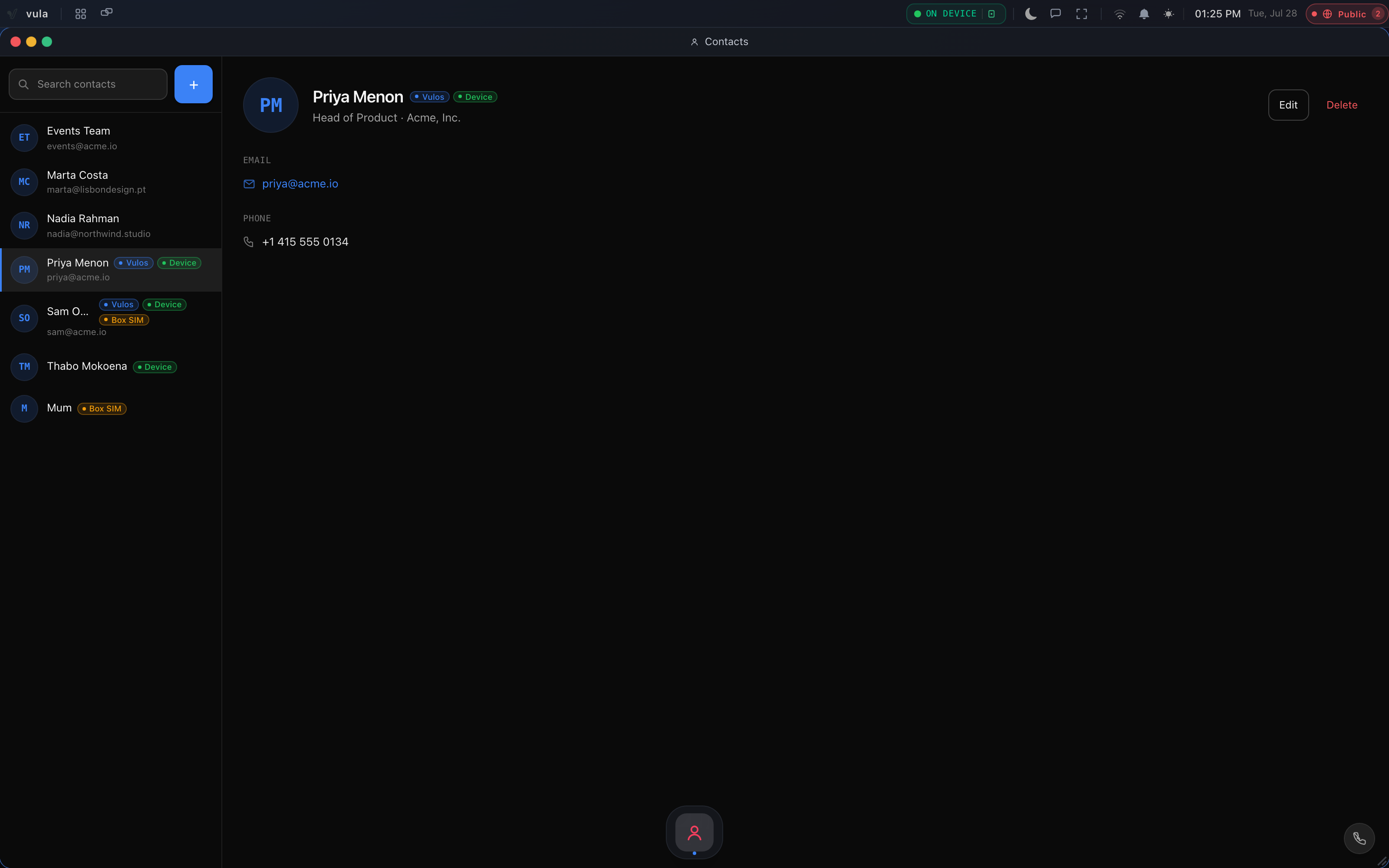
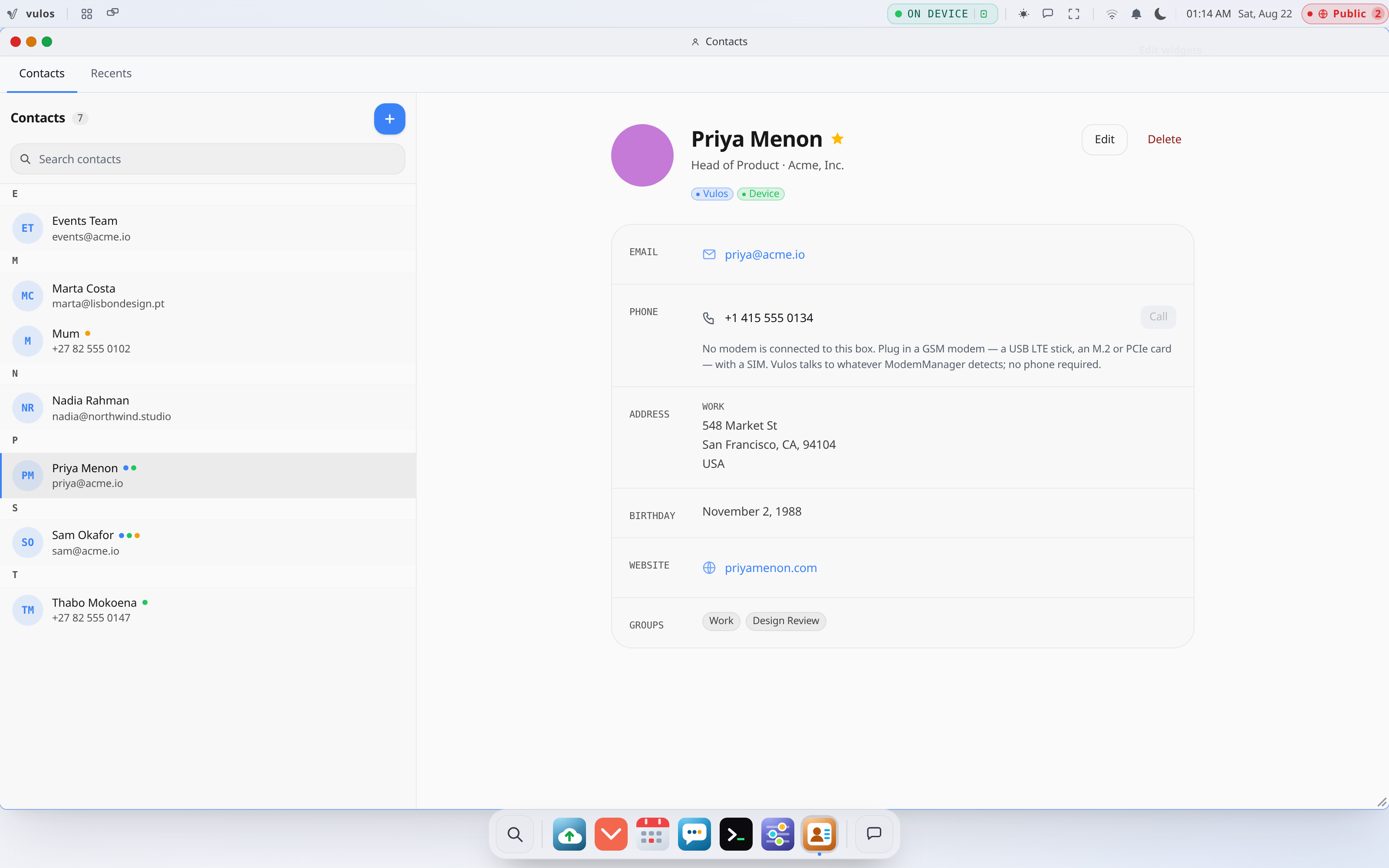
Real captures from the shipping open-source build — files, a terminal, the app store, your private AI, and the apps that come installed. All of it served off your own box.
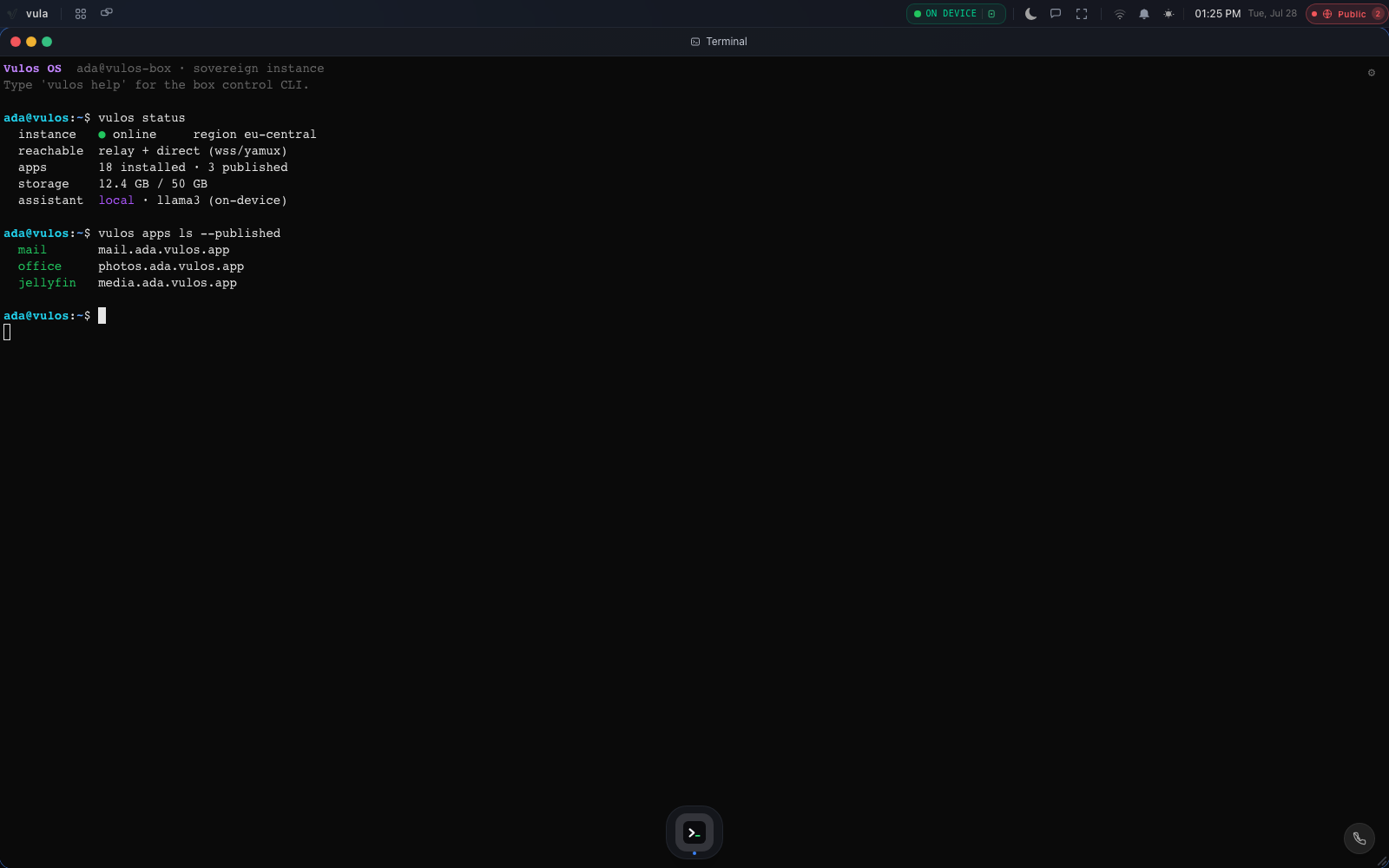
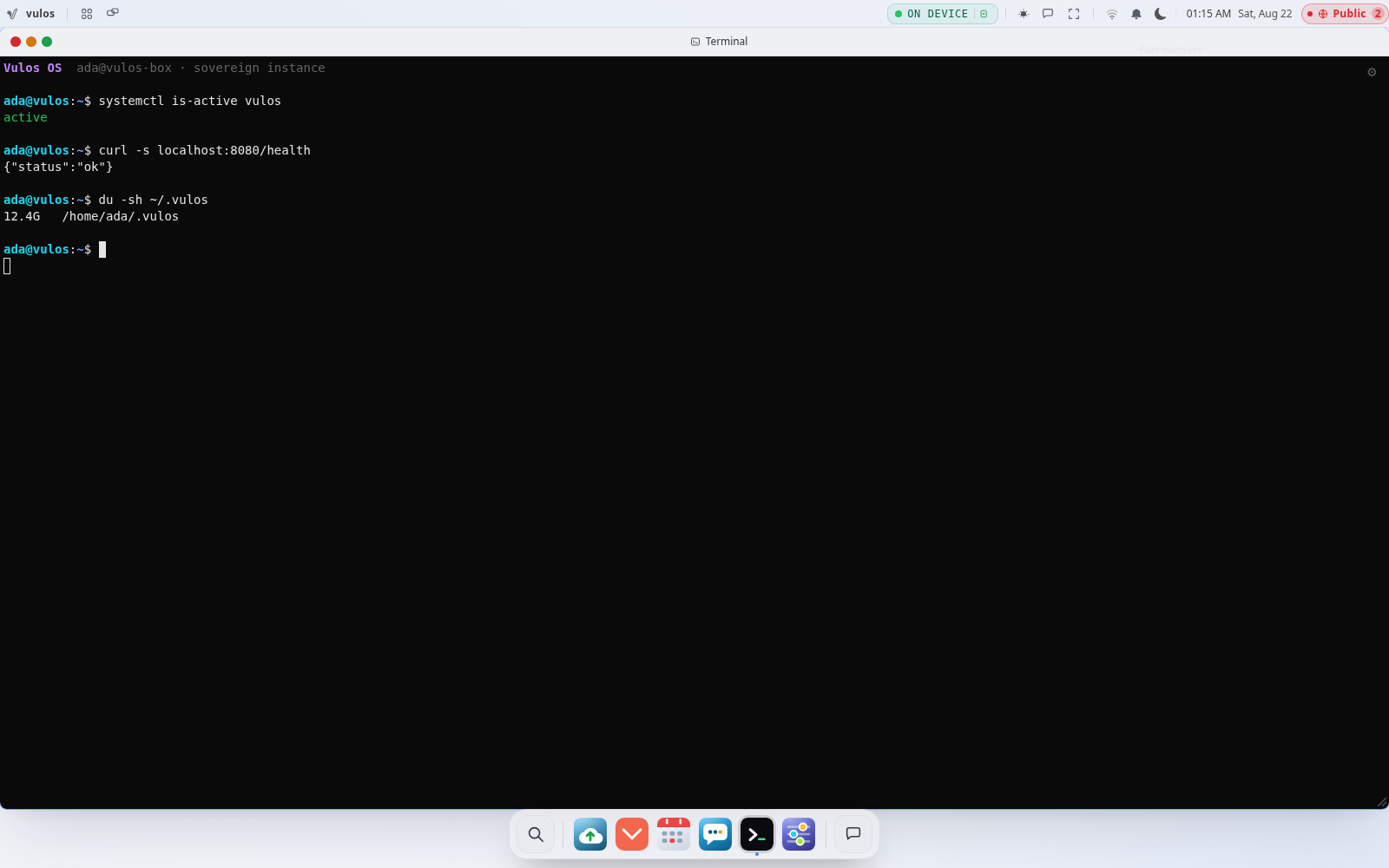
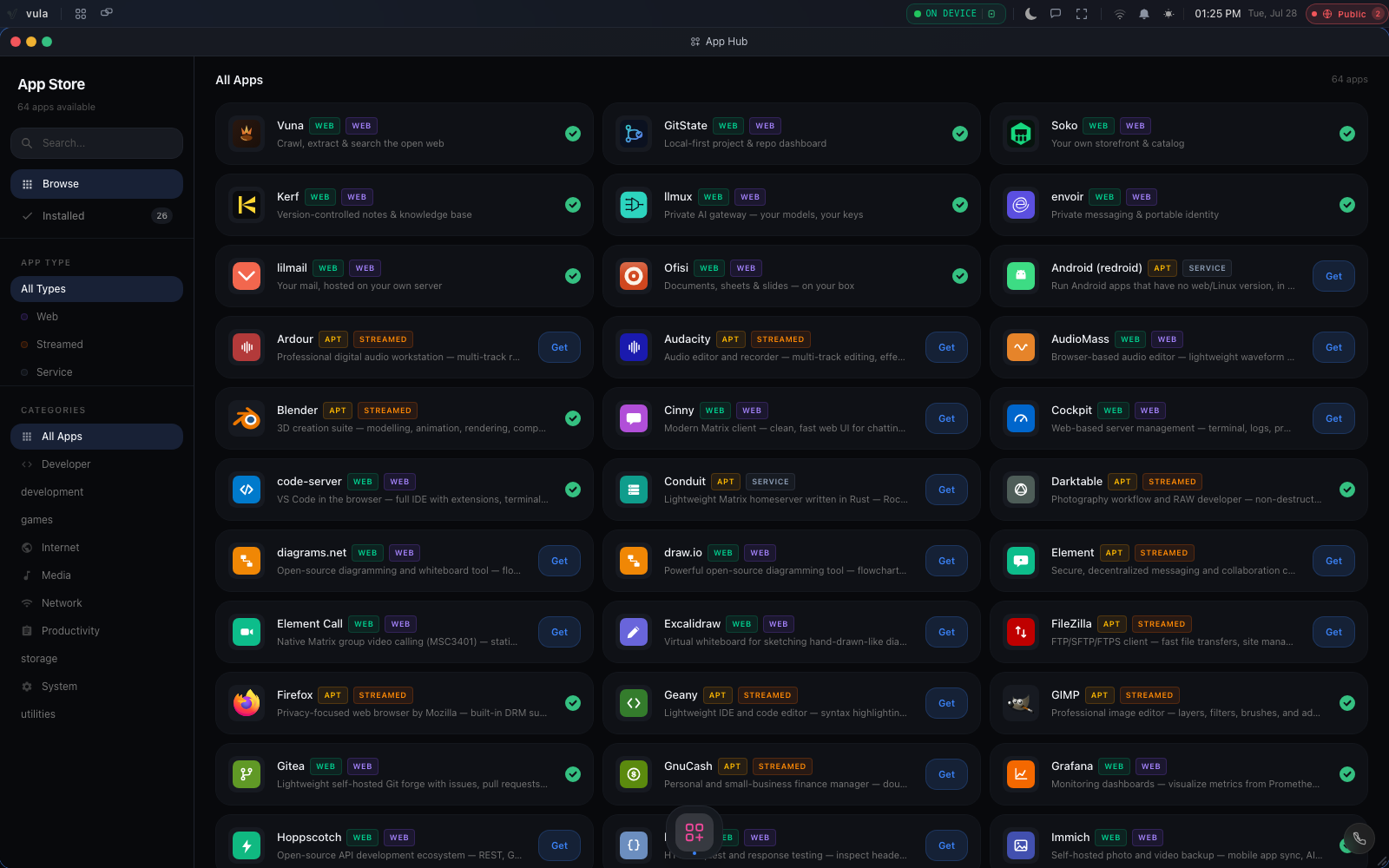
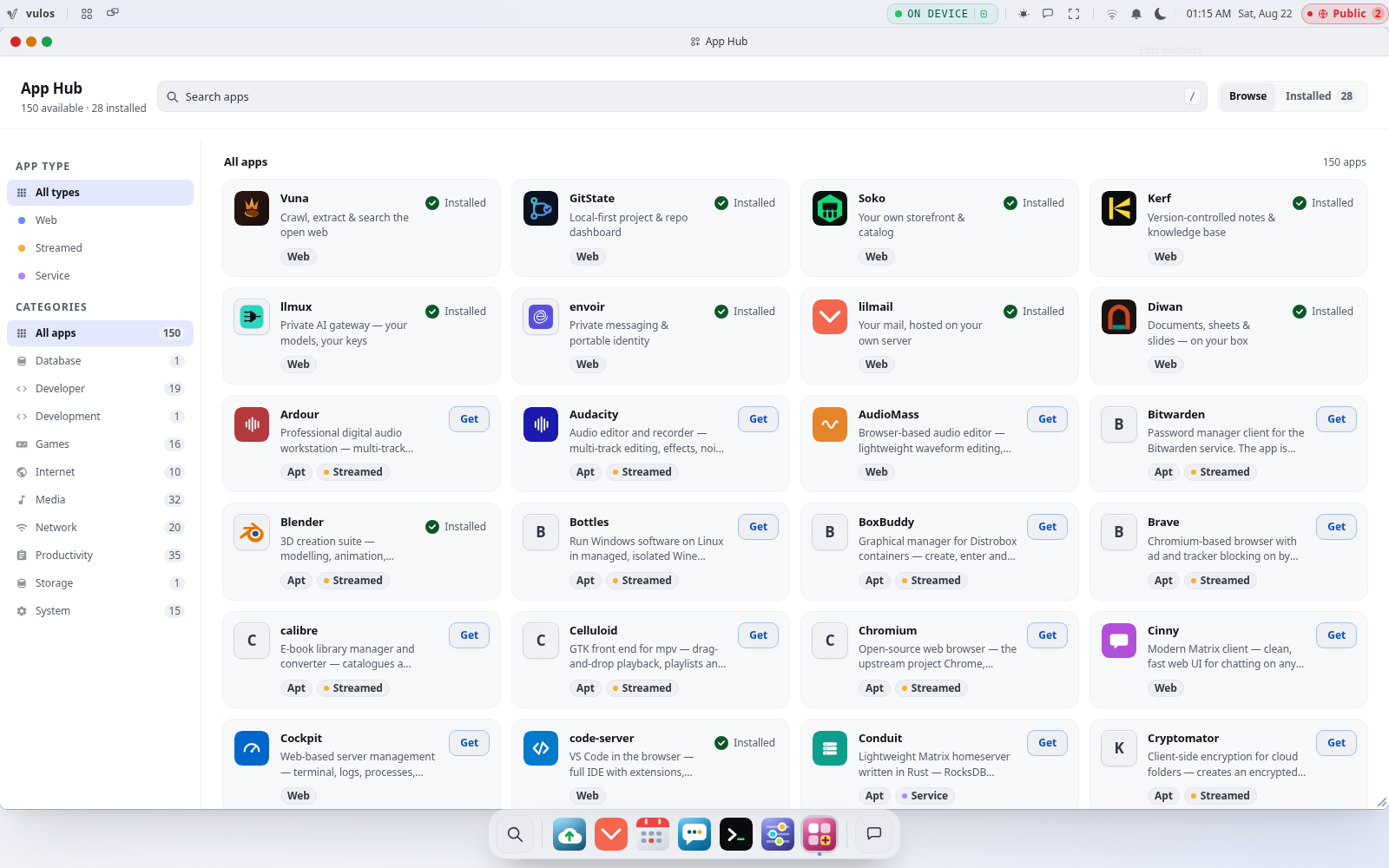
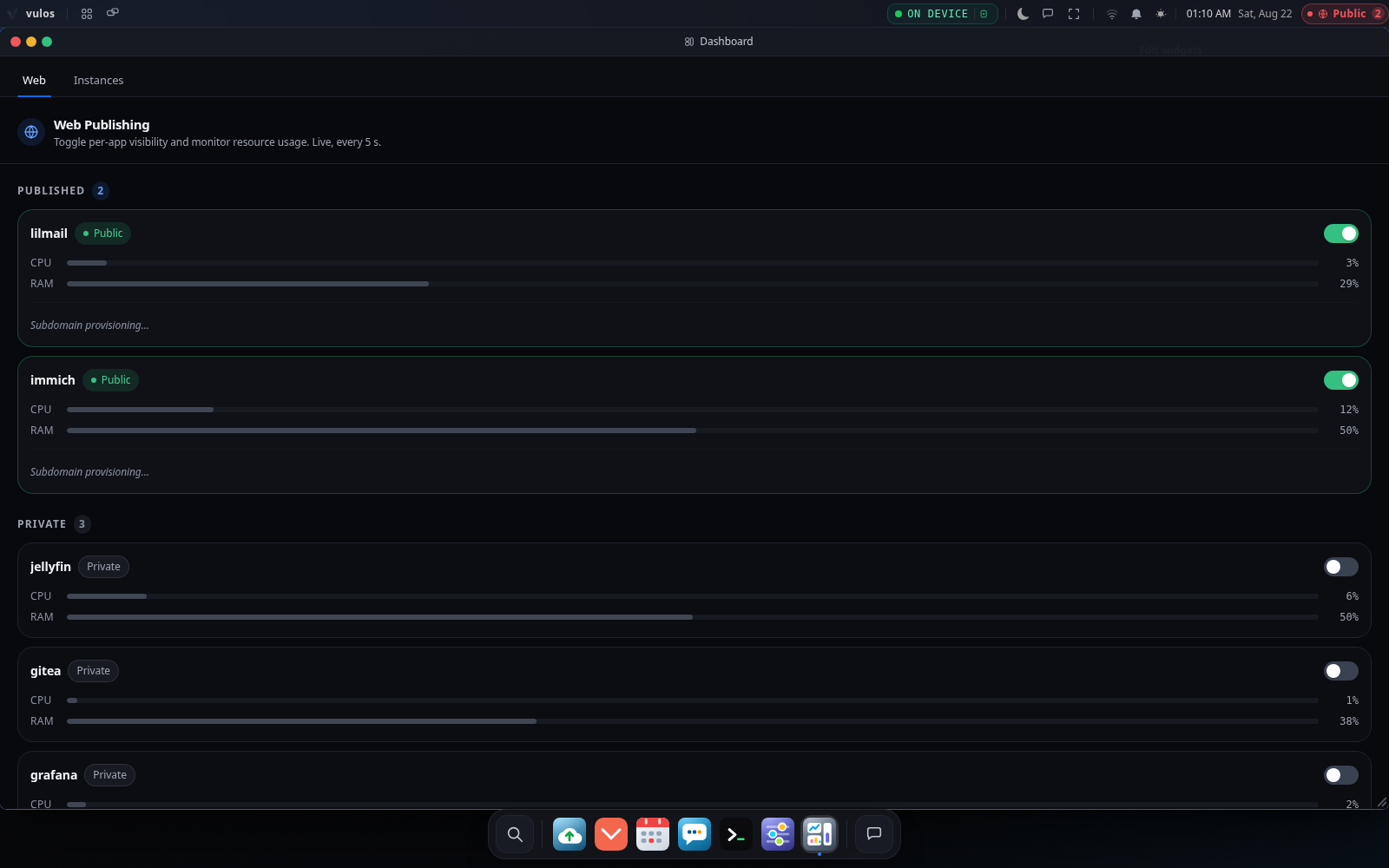
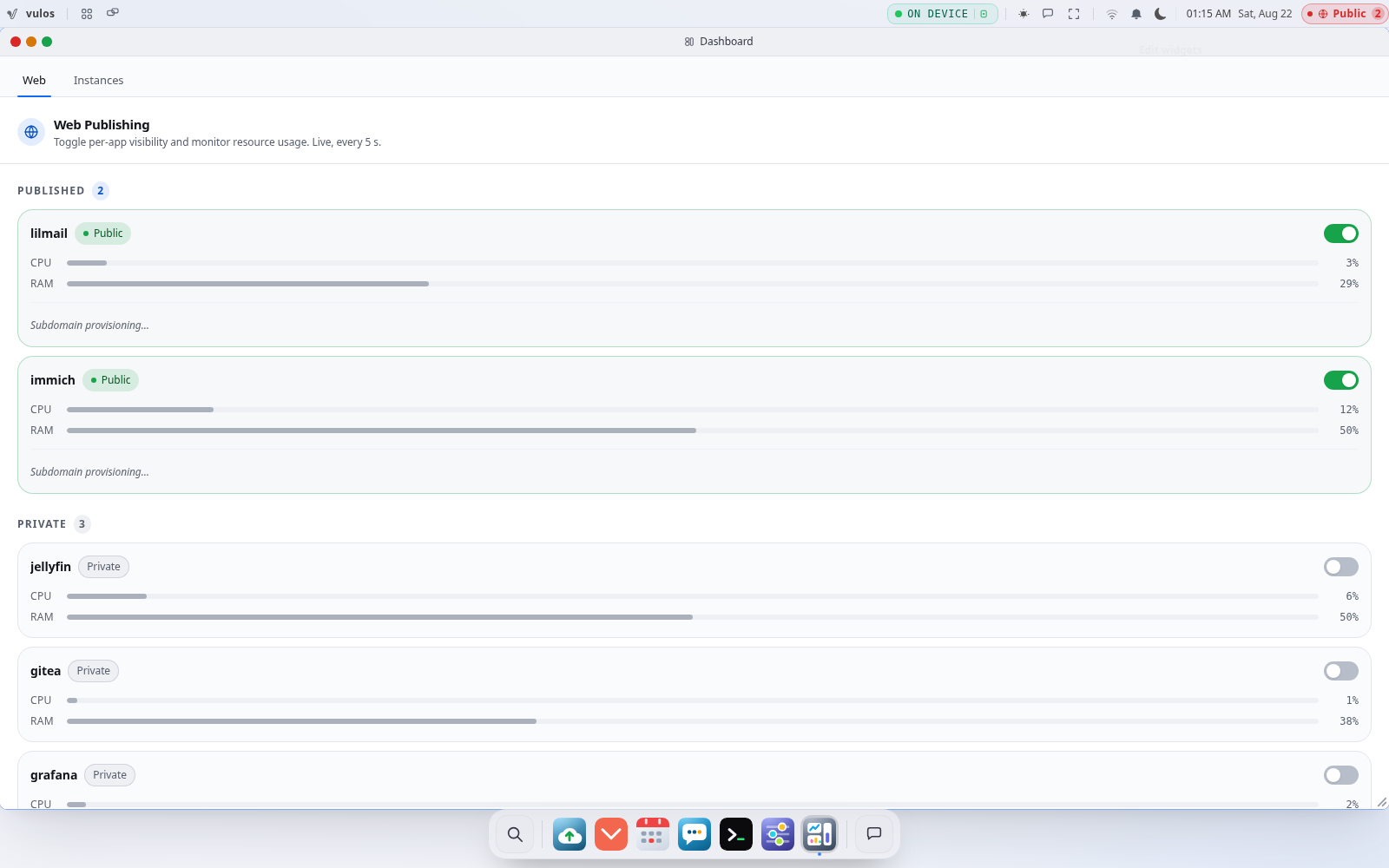
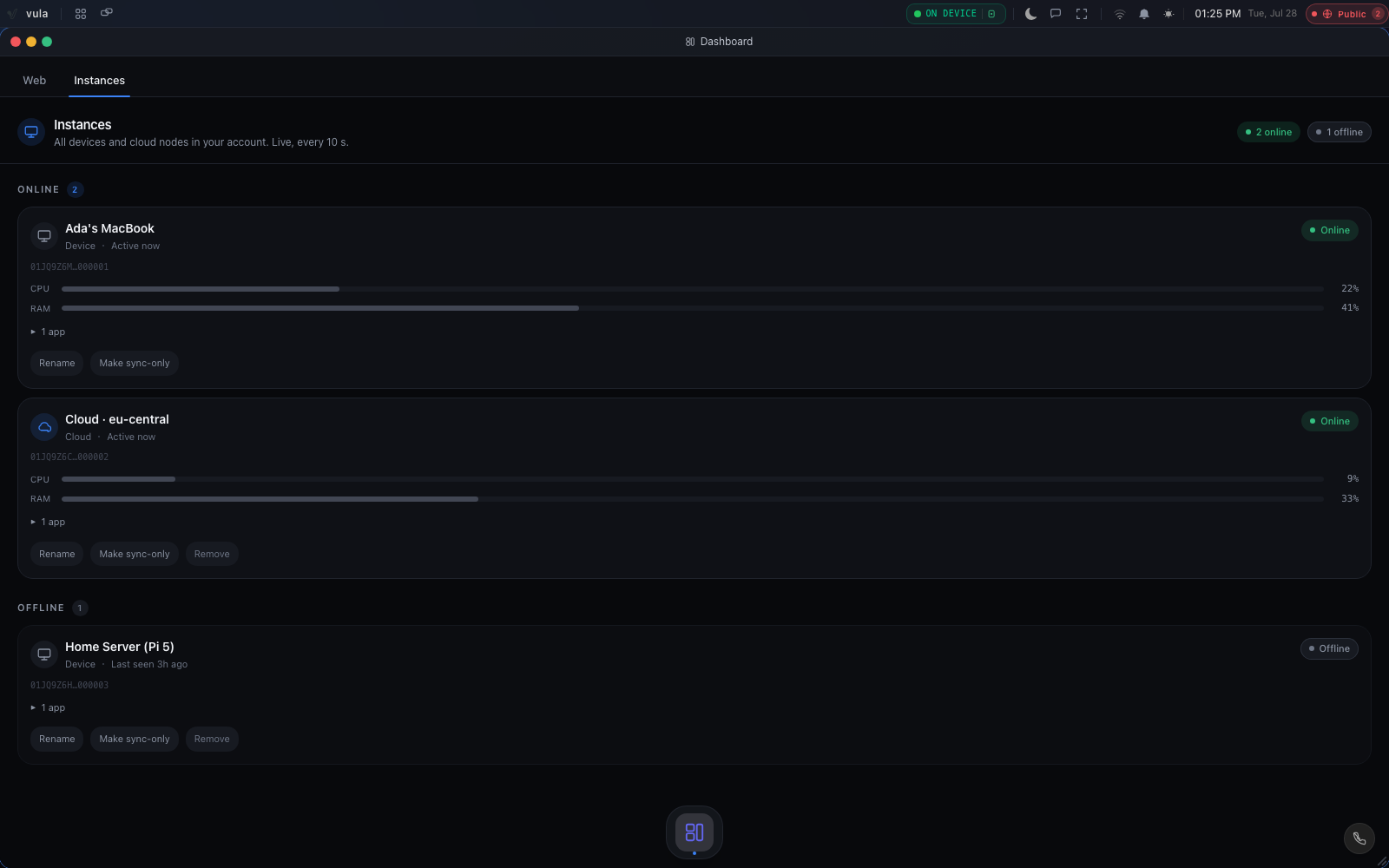
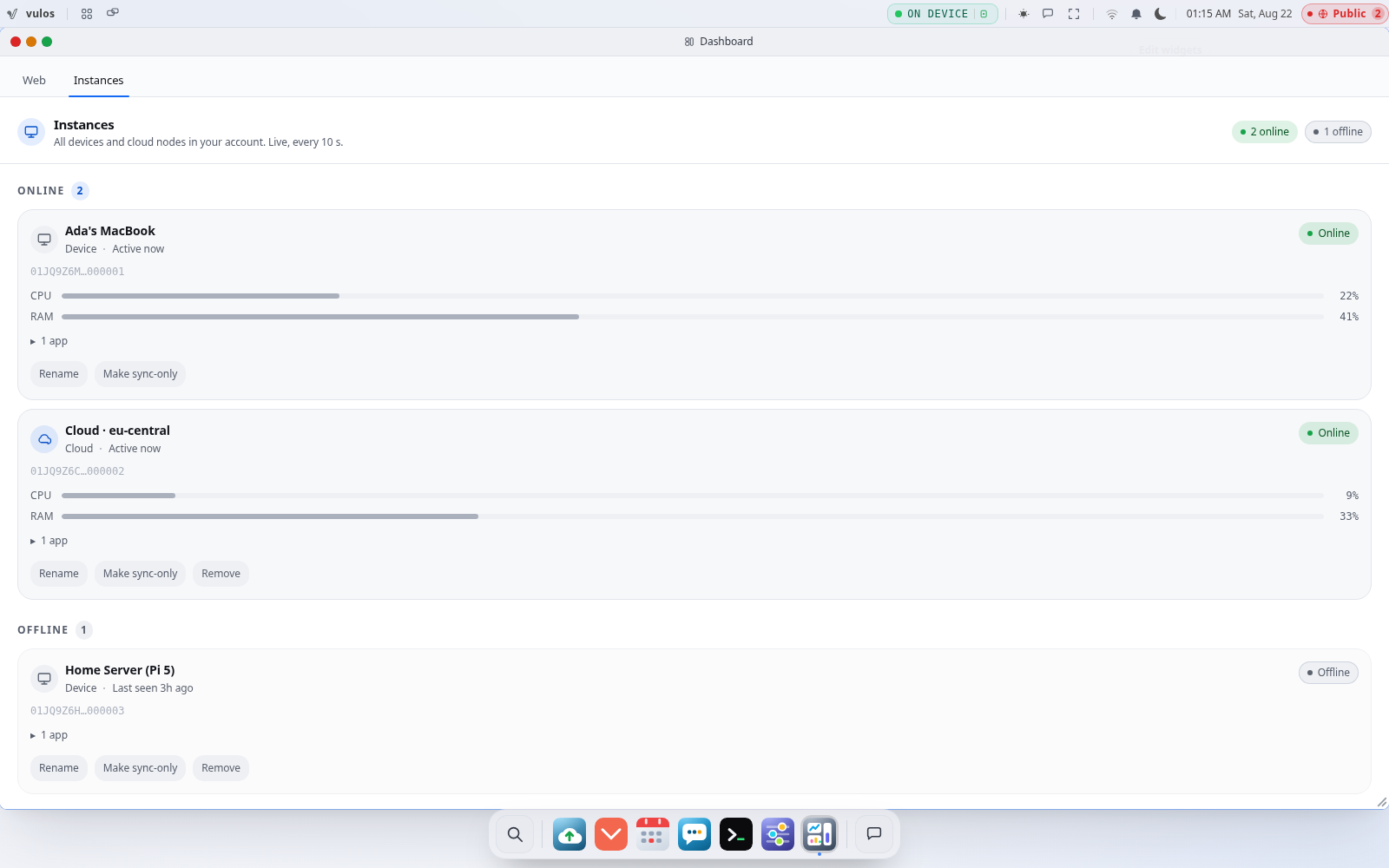
Your box manages itself.
Accounts, device enrolment, routing, settings and an admin view ship inside the open-source platform, on every install. Run one box or several — they sync as peers, one account across all of them, with nothing external required to make that work.
Accounts & identity
Sign-up and sign-in with a username and password — a local account on your box that proves who you are and opens it. A PIN locks the screen, and a 24-word recovery kit gets you back in.
Device enrolment
Boxes self-enrol with a client-generated ID and per-device certificates. Bind a device to an account, name it, decommission it — no truck rolls.
OS routing
Run more than one box: your session resolves to the right one automatically — home-region aware, health-gated, direct when it can be.
Settings & admin view
A single instrument panel over your box — health, storage, connected devices, an activity log. Ships in the open-source build, on every install.
Peers, not a fleet product
Run one box or several. They sync as peers over CRDTs, each identity anchored to an Ed25519 key — one account, no central service required to make it work.
Updates & recovery — you decide
Signed OS updates with atomic rollback; auto-update or manual, your choice. Backups are opt-in and encrypted to storage you control — recovery uses your own recovery phrase, never ours.
Managing a fleet across an organisation?
Central policy, role-based access, audit logs and SSO across many boxes and many people are not something we offer today. If your organisation needs that, tell us what you’re running and we’ll let you know when it ships.
Run it yourself, in full.
The OS and its management are open source, top to bottom. Reachability goes through the built-in Vulos relay — the same binary, run by you on a public IP — or direct over TLS with a static IP or your own domain (an experimental broker like Pier is optional). Nothing here locks you in.
- MIT-licensed, open source. Read every line, fork it, ship a build that disagrees with ours. The OS repo is the spec.
- Management is in the box. Accounts, routing and the admin view are part of the open-source OS — everything to run one box or many is right there.
- Bring your own storage. Files default to your own S3-compatible bucket. Your data never lands in someone else’s store just to use the OS.
- Your hardware, your call. A mini-PC, a spare laptop, or a VPS from any provider — same binary everywhere. Reachability runs through the built-in Vulos relay (a role of that same binary), relay nodes you run yourself, or direct over TLS with a static IP or your own domain.
- Sovereign by exit. Export your Ed25519 identity and your bytes any time, in full. Nothing here locks you in.
Boot it on your own hardware.
Flash the signed image, enrol your box, and open it from any browser — reachable through a relay you run on a cheap cloud VPS — your home box never opens a port.