Keep your files — and share them your way
Files is your drive: the OS owns the storage and the access control, and gives you the browser. Uploads, versions, and sharing with real roles — on your bucket, not someone else’s.
Open Files on your box
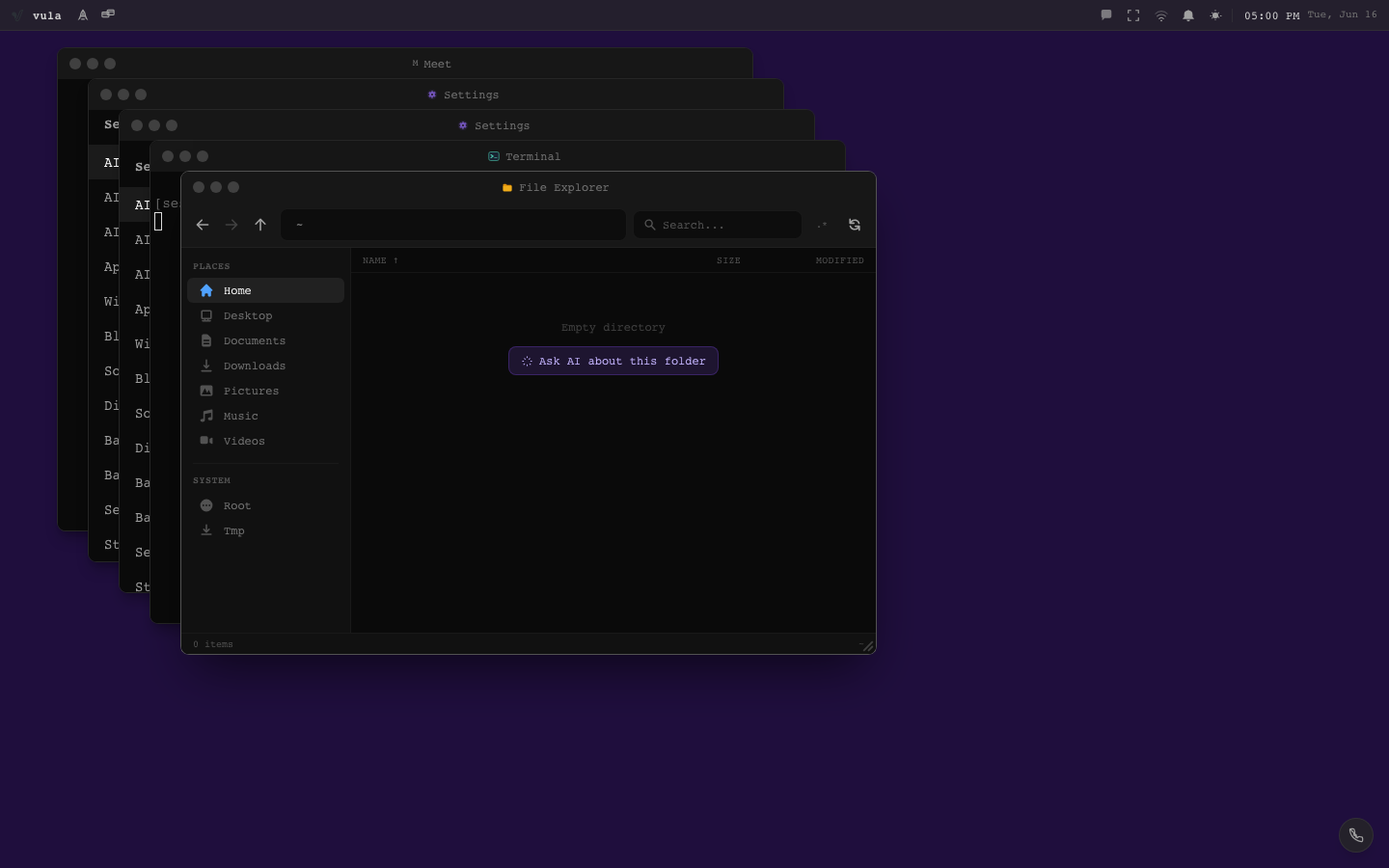
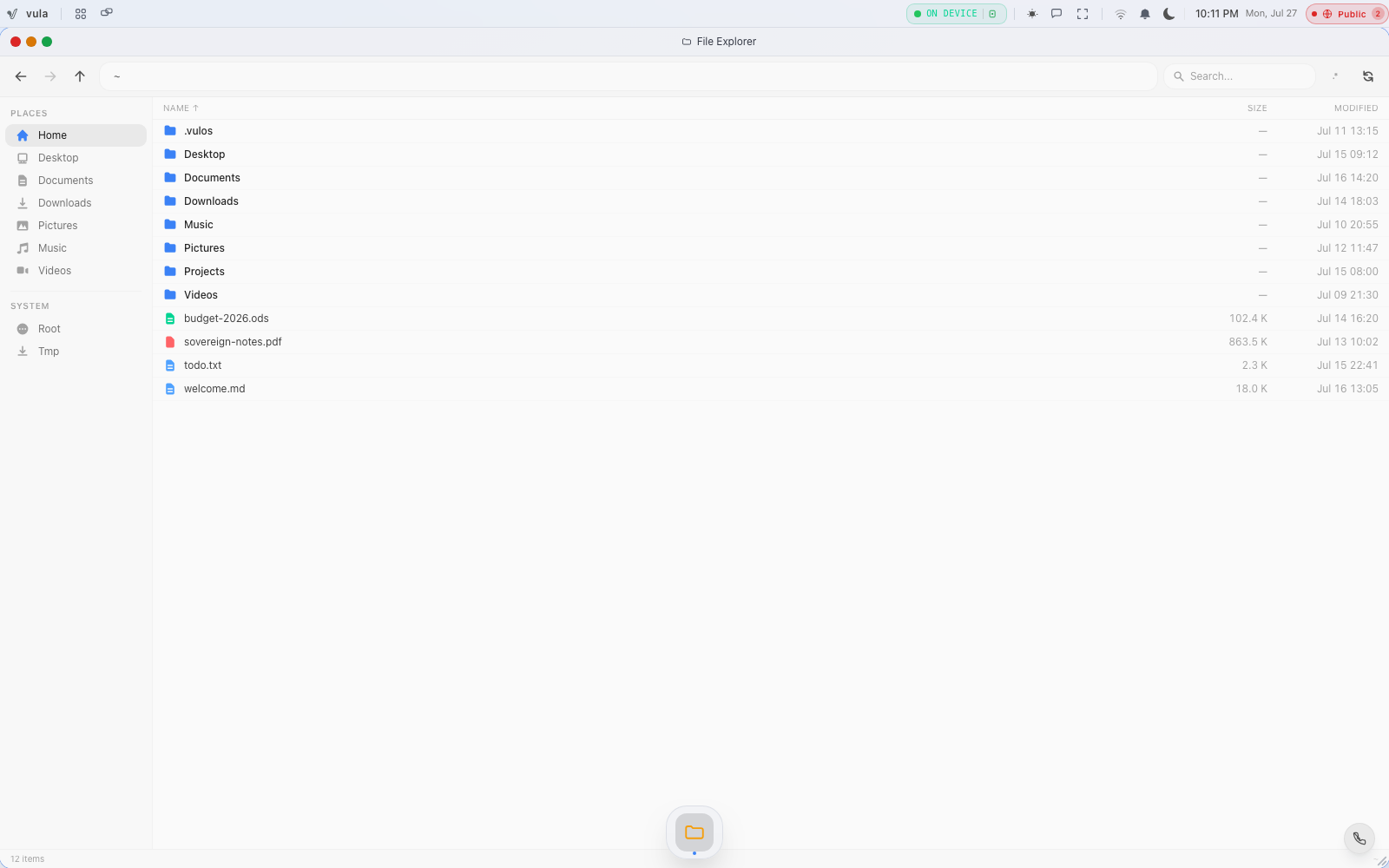
Open Files from the OS dock. You get a folder tree with breadcrumbs, drag-and-drop upload (resumable, chunked — large files survive a flaky connection), rename/move/delete, and per-file version history.
Share with people, with real roles
Share any file or folder by email. Access is a real ACL enforced server-side, not a convention:
- Viewer — can read.
- Editor — can change.
- Owner — can share and delete.
What others share with you appears under Shared with me.
Share with anyone, by link
Create a share link for people outside your instance — and revoke it just as easily. Revocation is immediate because the link is checked by your instance on every access.
Know the path your bytes take
File bytes move directly between your browser and the storage bucket using short-lived presigned grants. They never pass through the Vulos control plane — it coordinates, it does not carry or read content.
Mount your other clouds
External mounts connect existing storage (Google Drive, Microsoft/Graph, Dropbox, or any S3 bucket) so you can browse and import into your own drive — a practical migration path off the incumbents.
What you have now
- Your drive organised, with resumable uploads and version history
- Files shared by email with viewer/editor/owner roles
- Share links you can revoke instantly
- External clouds mounted and importing into storage you control