The first half of this page is for the people who run buildings. The reference
below it is for the people who run the software — and it does not soften anything.
For everyone
Getting going
Pango is one program and one file. There is no account to create,
nothing to configure before it will start, and no connection required.
01
Try it with demo data
The fastest way to see whether it fits how you work. Nothing is written to disk.
Download the binary for your machine
Run ./pango --demo
Open localhost:8099
Sign in as demo@pango.local / demopassword
02
Set it up for real
One command, one database file. The first account you create becomes the owner.
Run ./pango --db /var/lib/pango/pango.db
Register the first account — this closes registration
Add your buildings
Create further users as an operator
03
Put it where people work
It binds to your own machine only, until you deliberately say otherwise.
No network at all? A USB stick is a valid transport
Day to day
The four things you will actually do
Every screenshot here is captured from the compiled binary in demo
mode — nothing is mocked up.
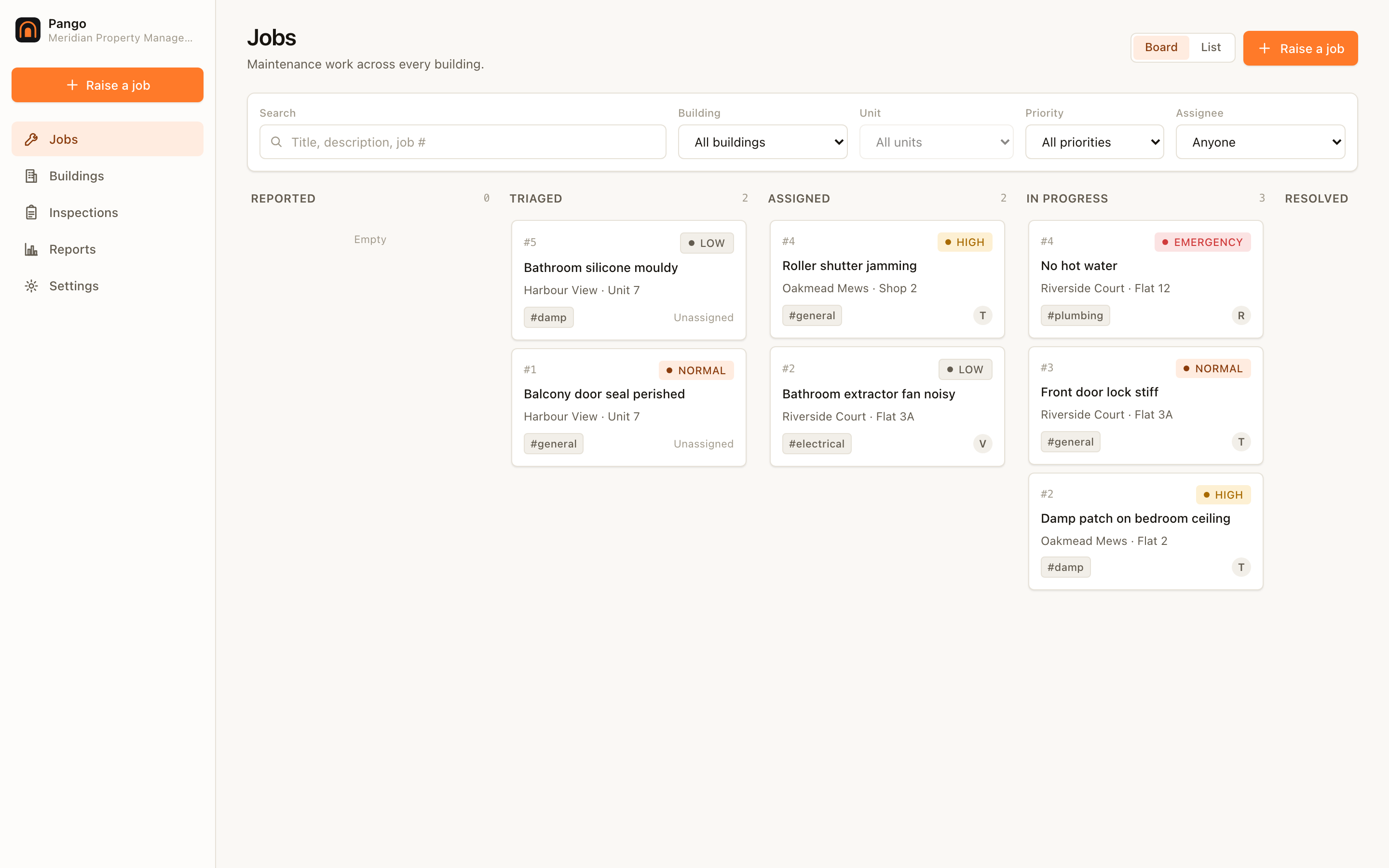
Triage the board. Everything outstanding across every building, filtered by unit, priority or who it is assigned to. Drag a job between columns as its state changes.
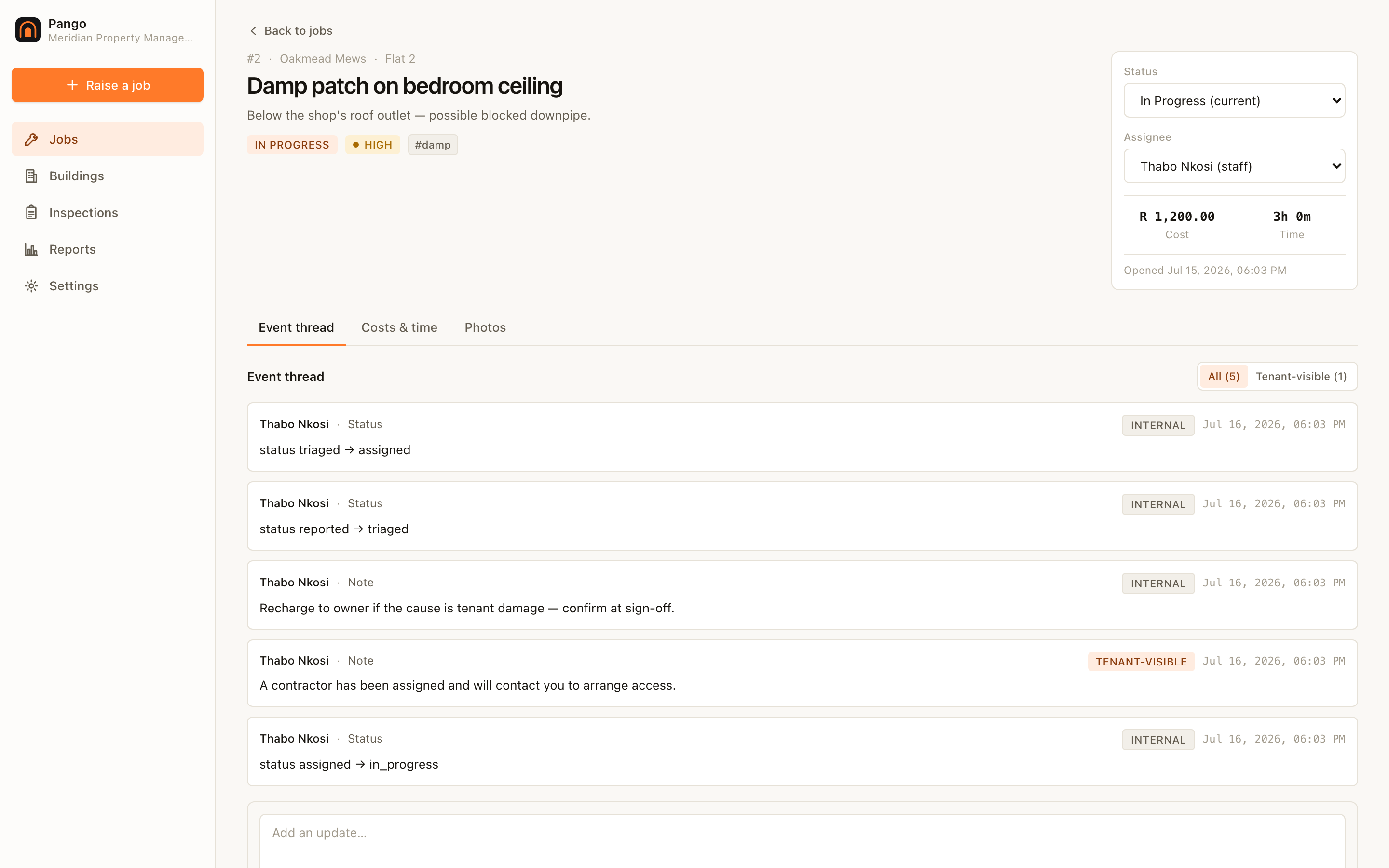
Work a job. Add materials and hours as they happen; they add up rather than overwrite. The event thread carries a tenant-visible toggle per entry, so you choose what a tenant would see.
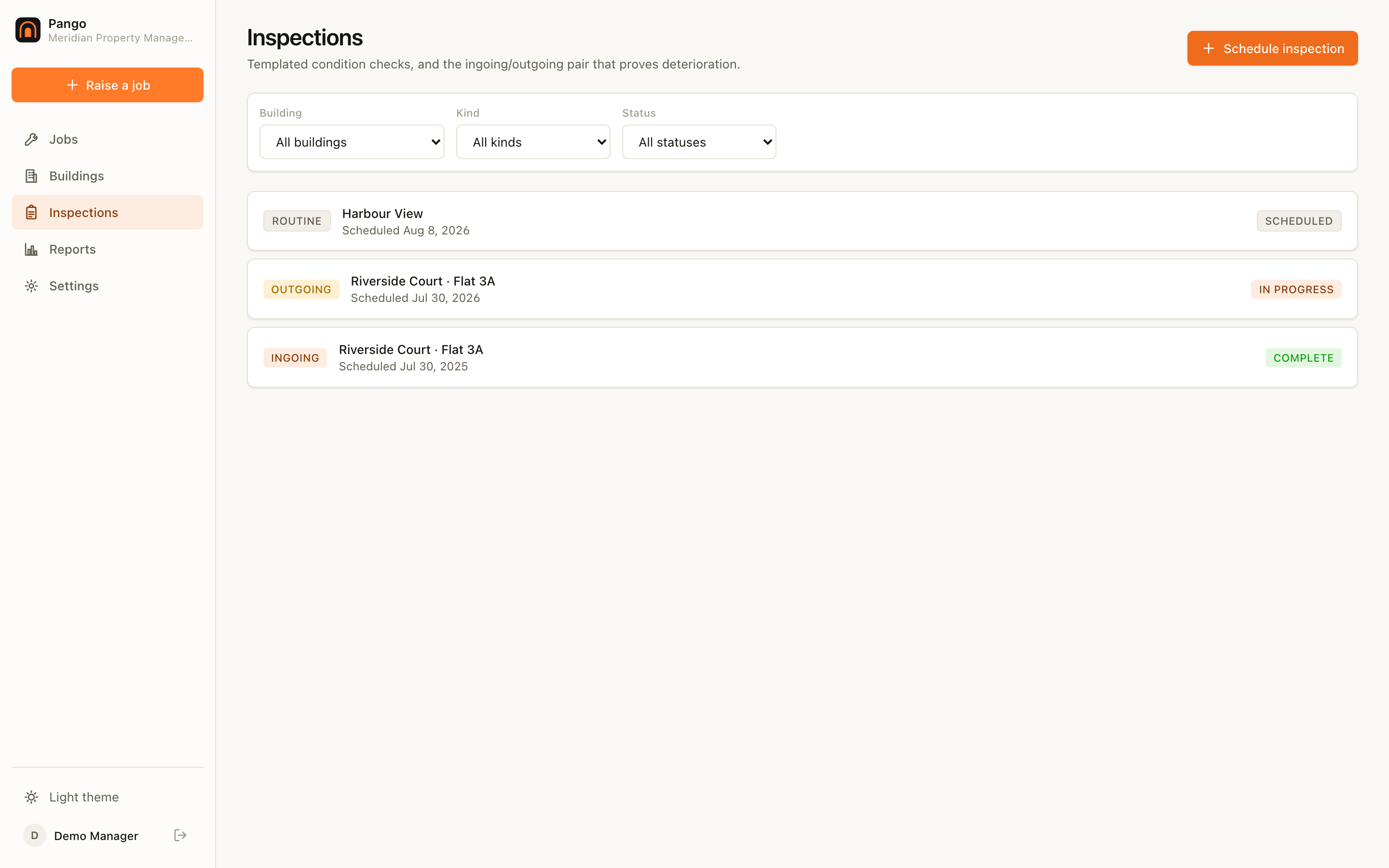
Run an inspection. Schedule an ingoing report at move-in and an outgoing one at move-out. Walk it on a tablet with no signal; it syncs when you are back.
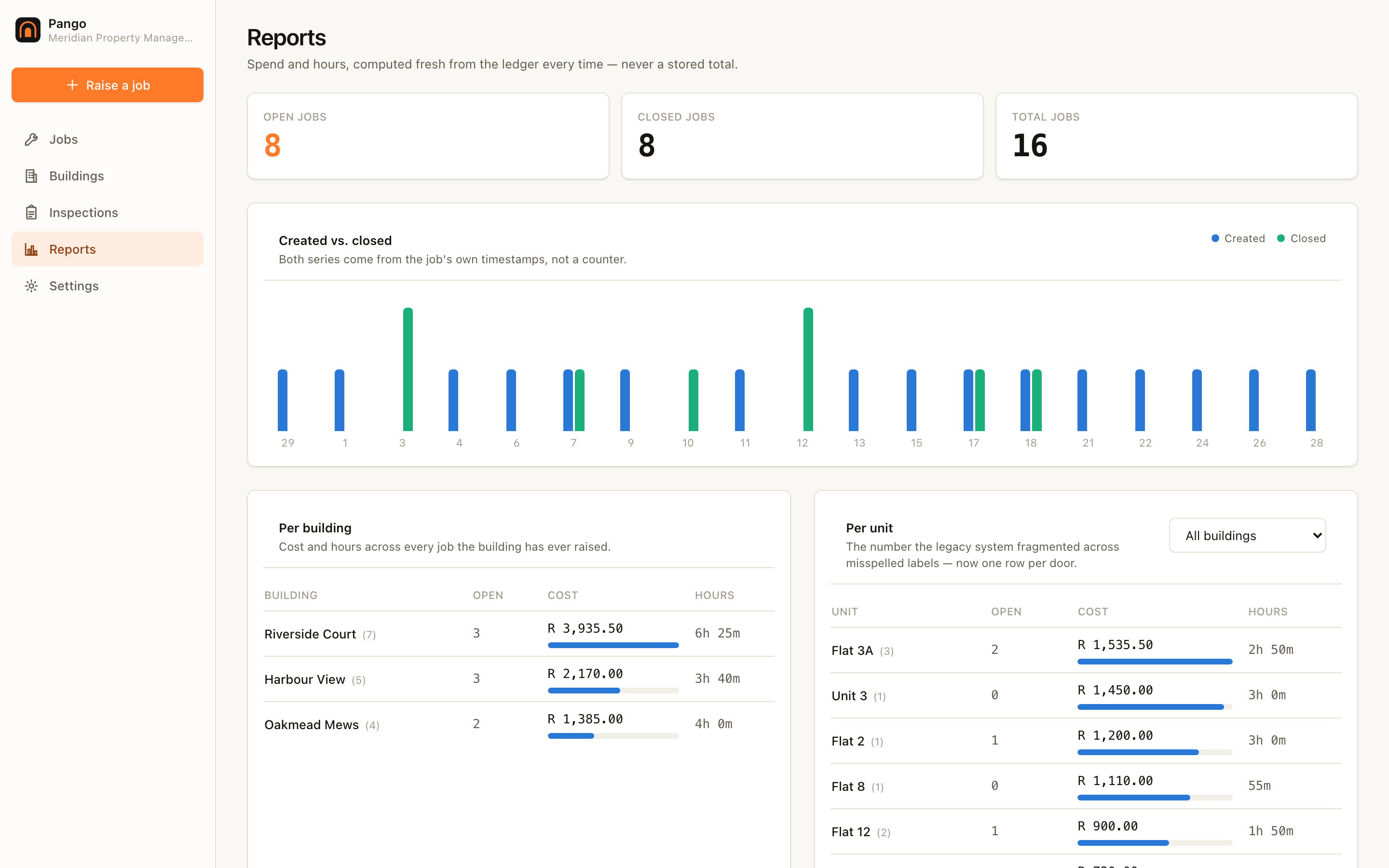
See where money went. Spend and labour per building and per unit, recomputed from the ledger every time you open it — never from a cached figure.
These chapters carry honest status markers. Where something is
specified but not built, the chapter says so at the top rather than describing
it in the present tense.