
One binary, no database
Templates and vendored JS compiled in with embed.FS; durable state is an embedded bbolt file. An optional Postgres backend covers shared or multi-instance deploys. Runs air-gapped with only a config.toml.
A self-hostable PIM client — mail, calendar and contacts — that talks to the IMAP/SMTP, CalDAV and CardDAV account you already own. Server-rendered HTML with every asset compiled into one Go binary: no build step, no CDN, no database to provision, and no service in the middle.
Core mail is always on. Everything past it is a config section you opt into — and costs nothing while it's off.
One process, one file on disk, one thing to back up. lilmail is deliberately small: it doesn't index your mail into a second database, it doesn't run a queue, and it doesn't need a build step to serve a page.
8 subsystems · 1 binary · 0 services to runTemplates and vendored JS compiled in with embed.FS; durable state is an embedded bbolt file. An optional Postgres backend covers shared or multi-instance deploys. Runs air-gapped with only a config.toml.
IMAP browsing and SMTP sending, conversation threading via the JWZ algorithm, plain-text and rich-text compose, attachments with inline cid: images, scheduled send, and drafts that auto-save every 30 seconds.
OAuth2 / OpenID Connect authorization-code flow with PKCE (S256), automatic refresh-token handling, and XOAUTH2 / OAUTHBEARER SASL — with classic password login still working alongside it.
CalDAV month and week views with event CRUD, free/busy, and end-to-end iTIP/iMIP meeting invites. CardDAV address-book lookup powers recipient autocomplete.
An IMAP IDLE watcher feeding an SSE stream, browser notifications, native desktop toasts, and VAPID Web Push — so a new message lands without a refresh.
Smart compose, thread summaries, reply suggestions, action-item extraction and phishing detection — through any OpenAI-compatible endpoint you point it at, including one on your own machine.
/v1 JSON APIFolders, paginated messages, search, flags, move/archive/spam, snooze, compose and drafts, attachments, calendar, contacts and settings — the same engine and session auth that serve the HTMX UI.
JWT sessions, AES-256-GCM encrypted credentials at rest, a strict Content-Security-Policy, SameSite=Lax cookies, a sandboxed mail iframe, and CR/LF/NUL header-injection guards on everything outgoing.
lilmail is a client, not a service. It runs on your machine and speaks straight to the mail server you already have — no lilmail account, no relay, nothing phoning home.
Server-rendered HTML over HTMX — or any client on /v1.
One Go binary and a config.toml. bbolt on disk, or your own Postgres.
Gmail, Outlook, or any standards-compliant server, over OAuth or password.
a lilmail relay— does not exist. There is no hosted lilmail to sign up for, and no key we hold.
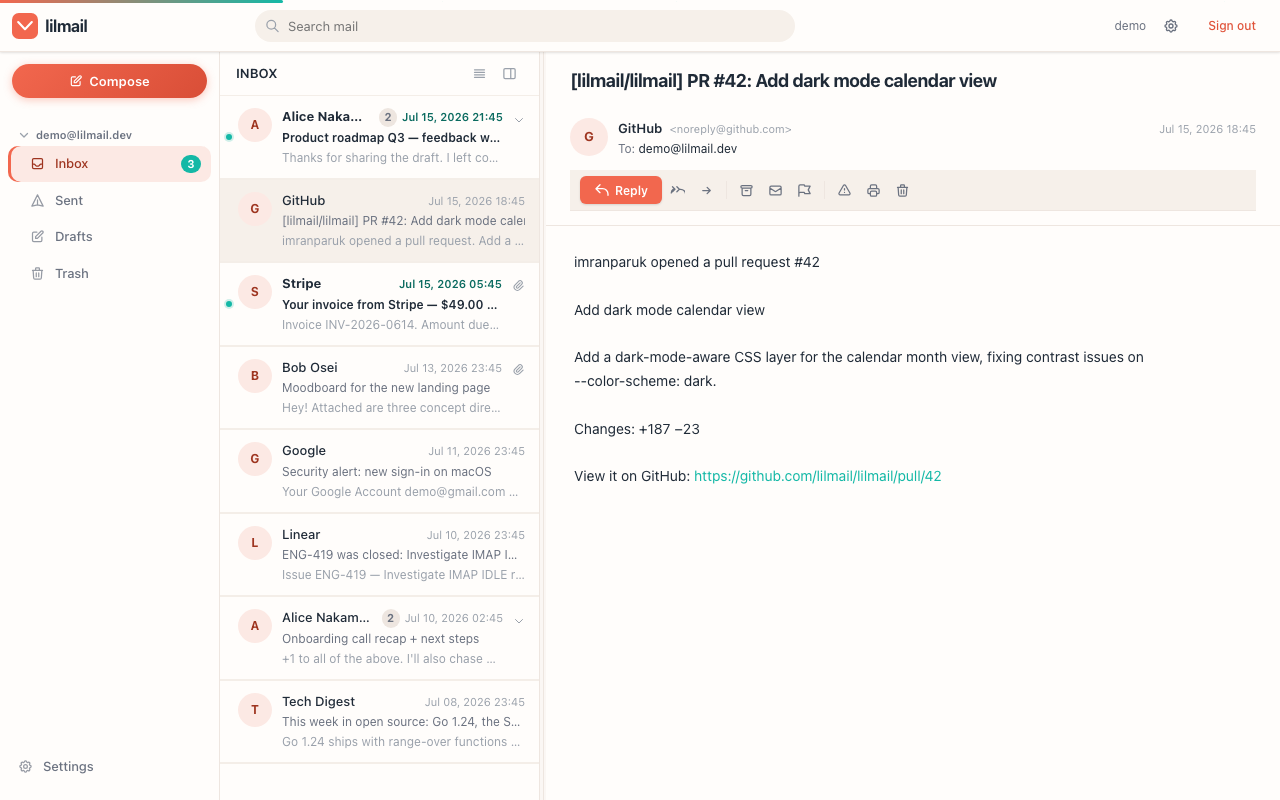
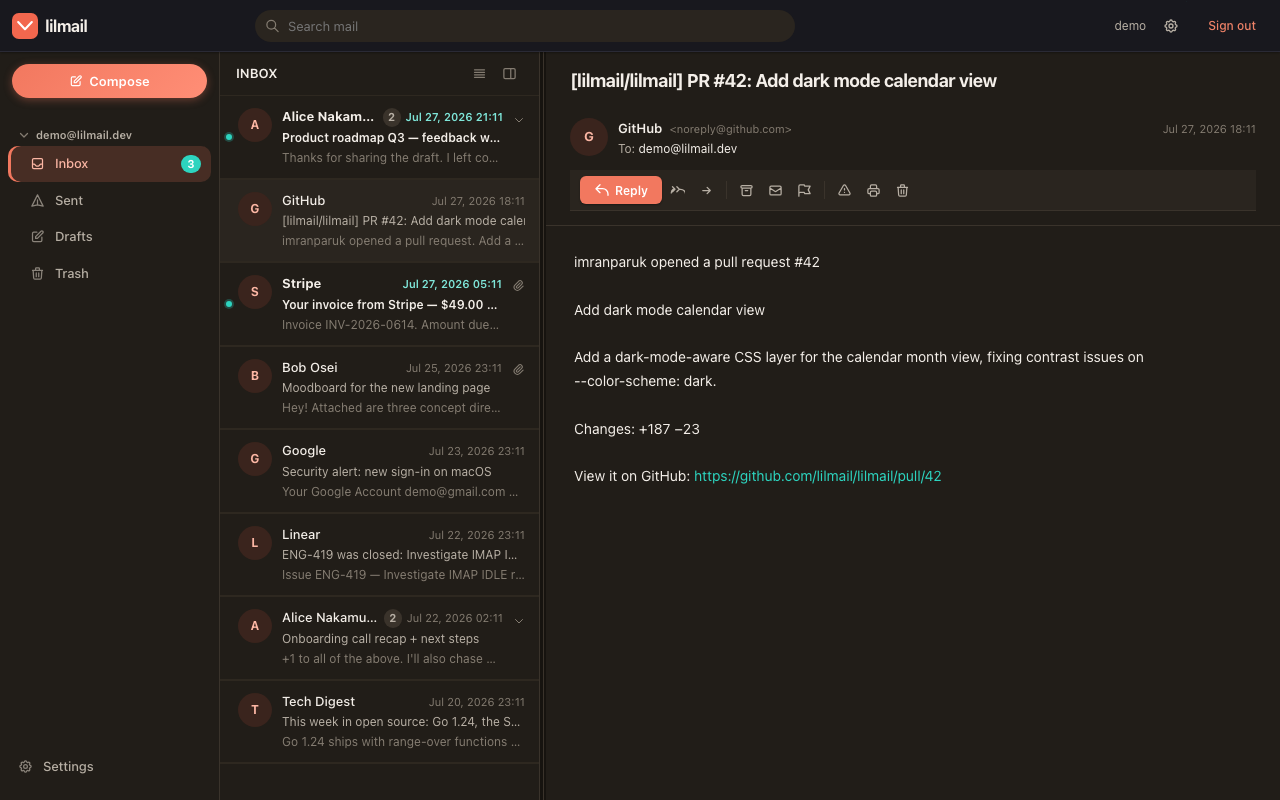
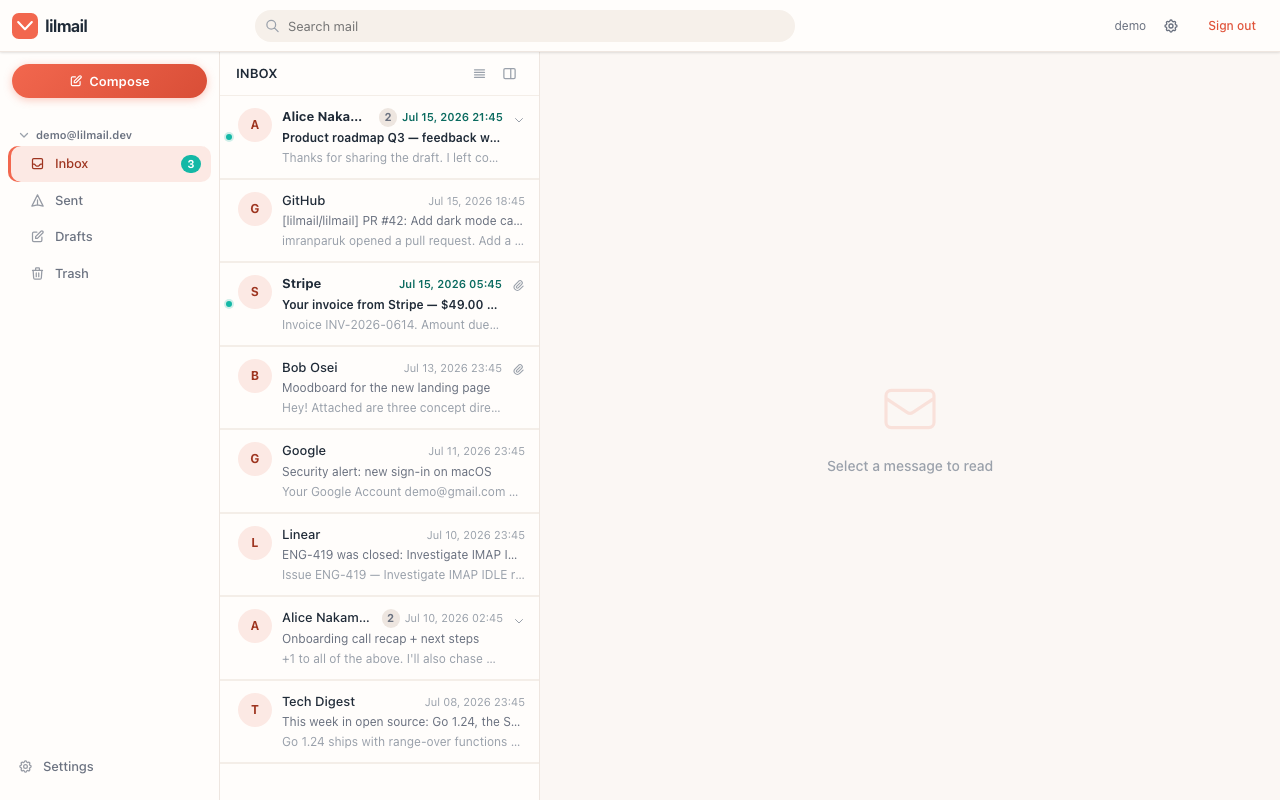
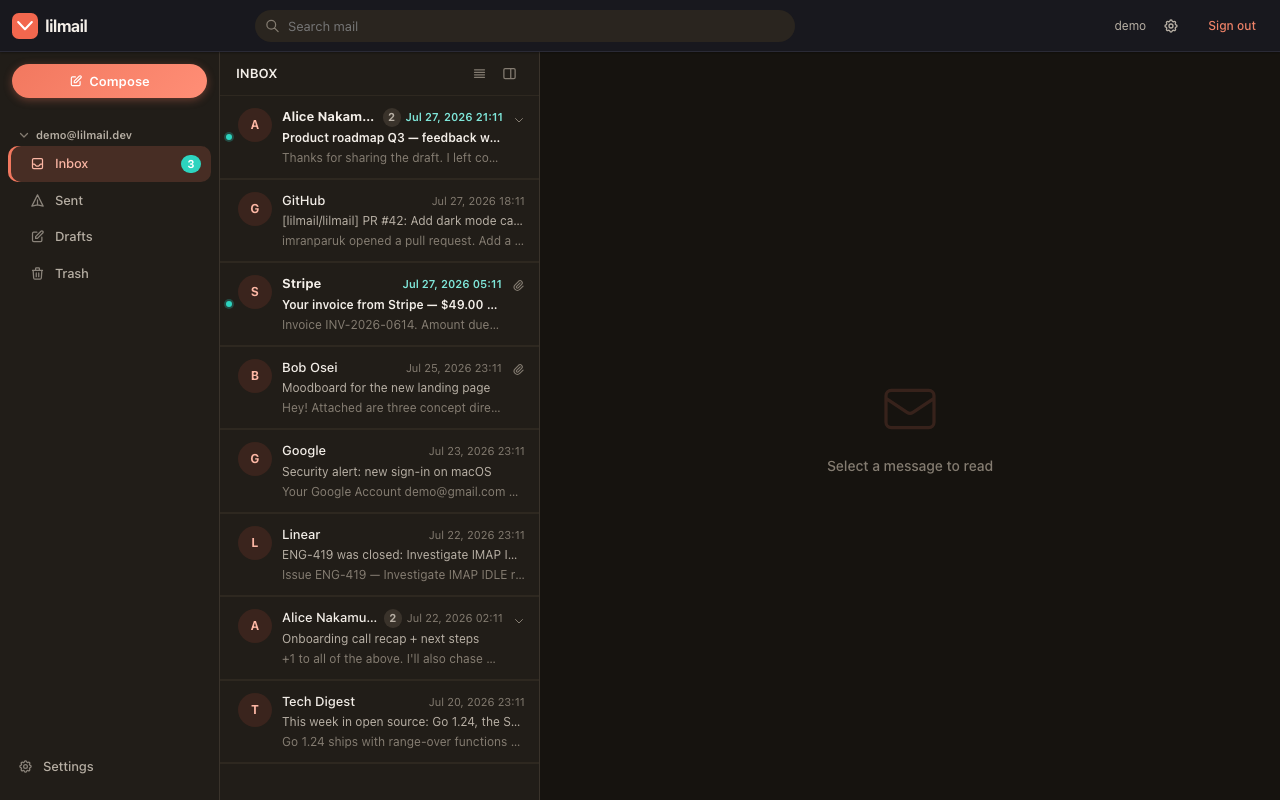
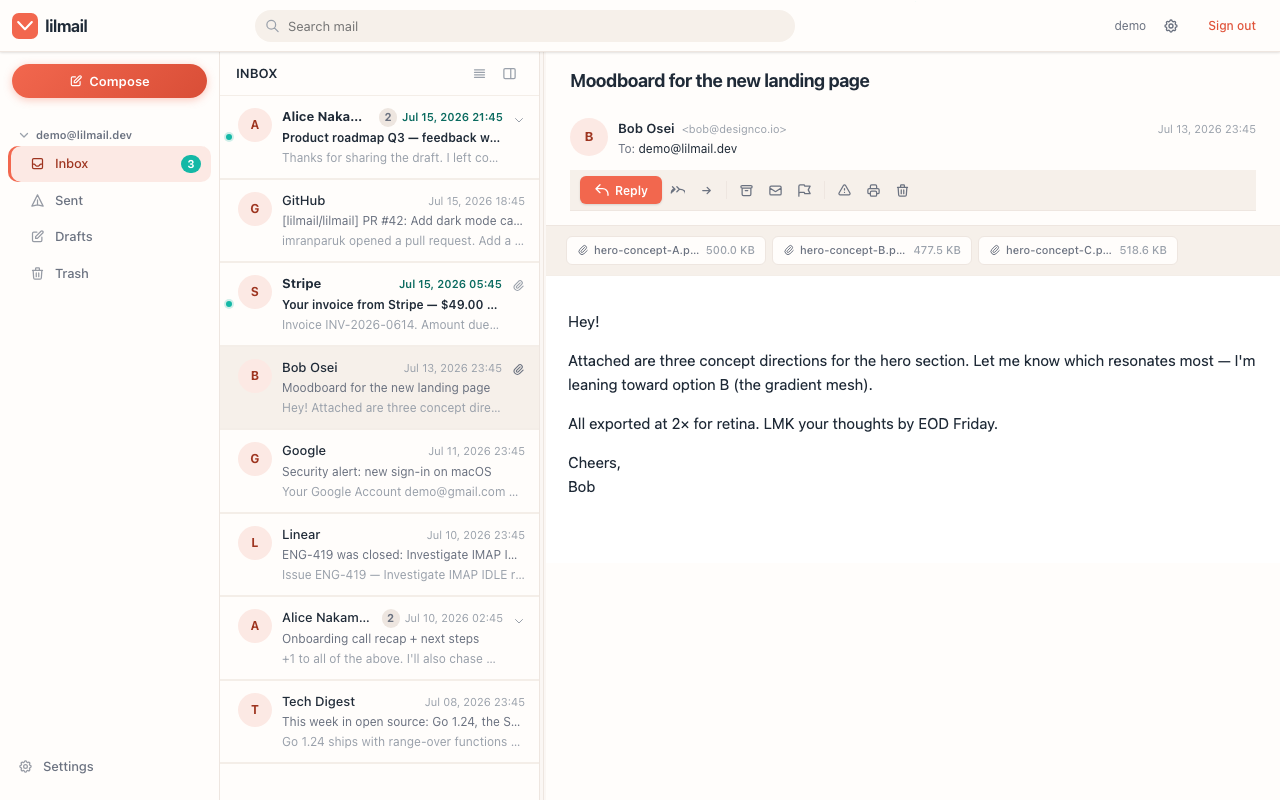
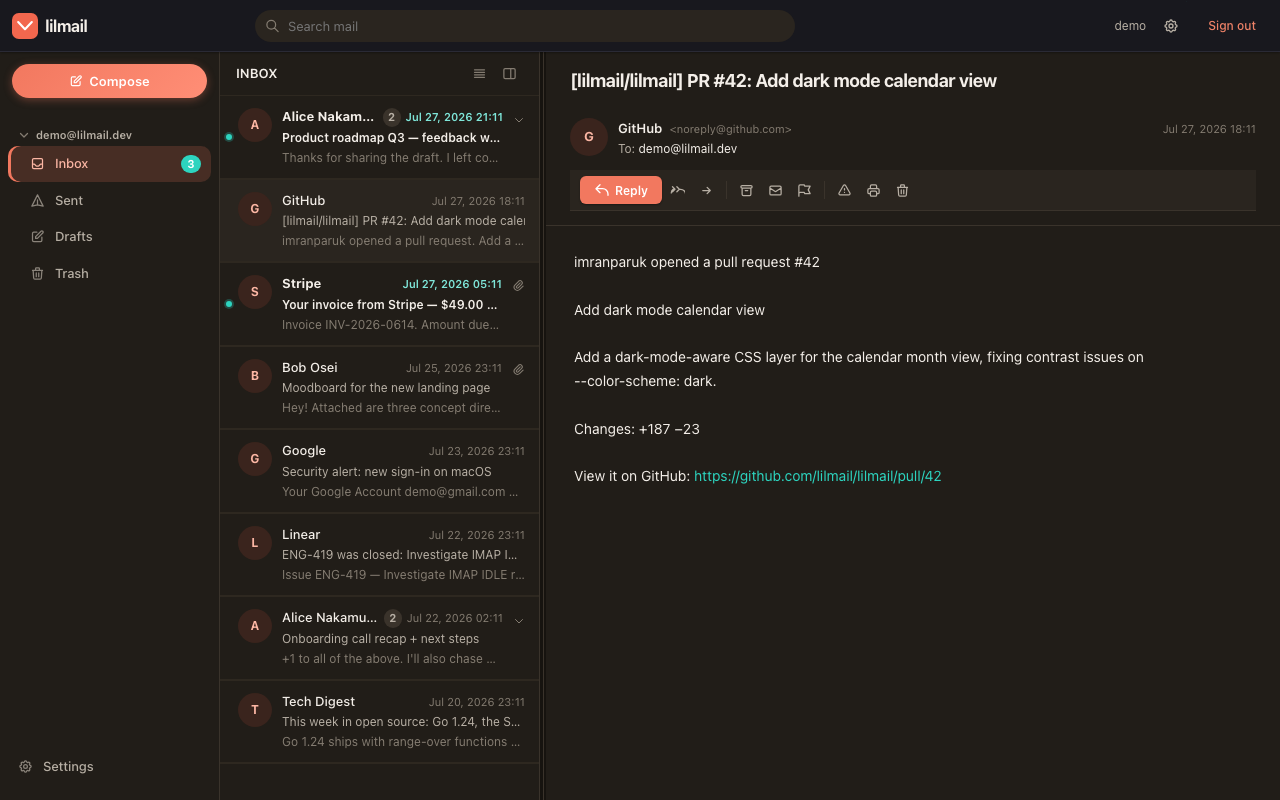
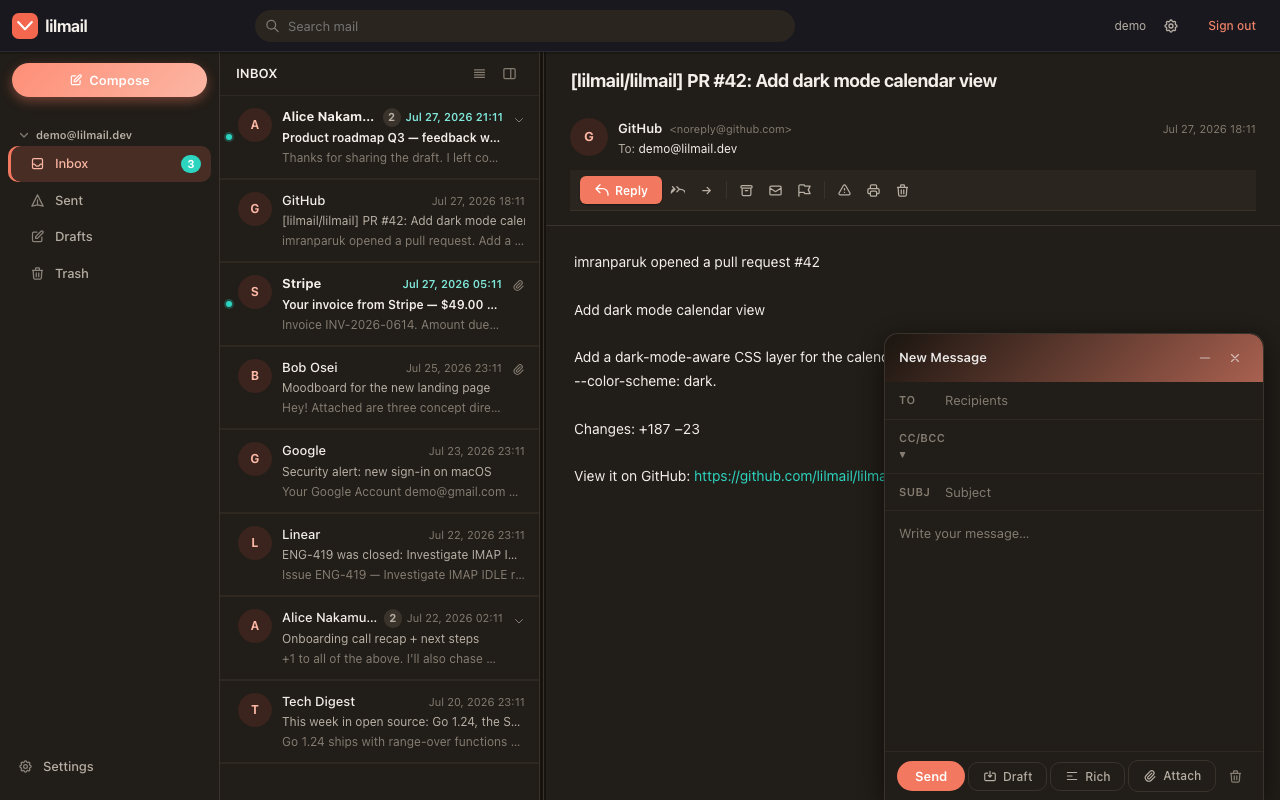
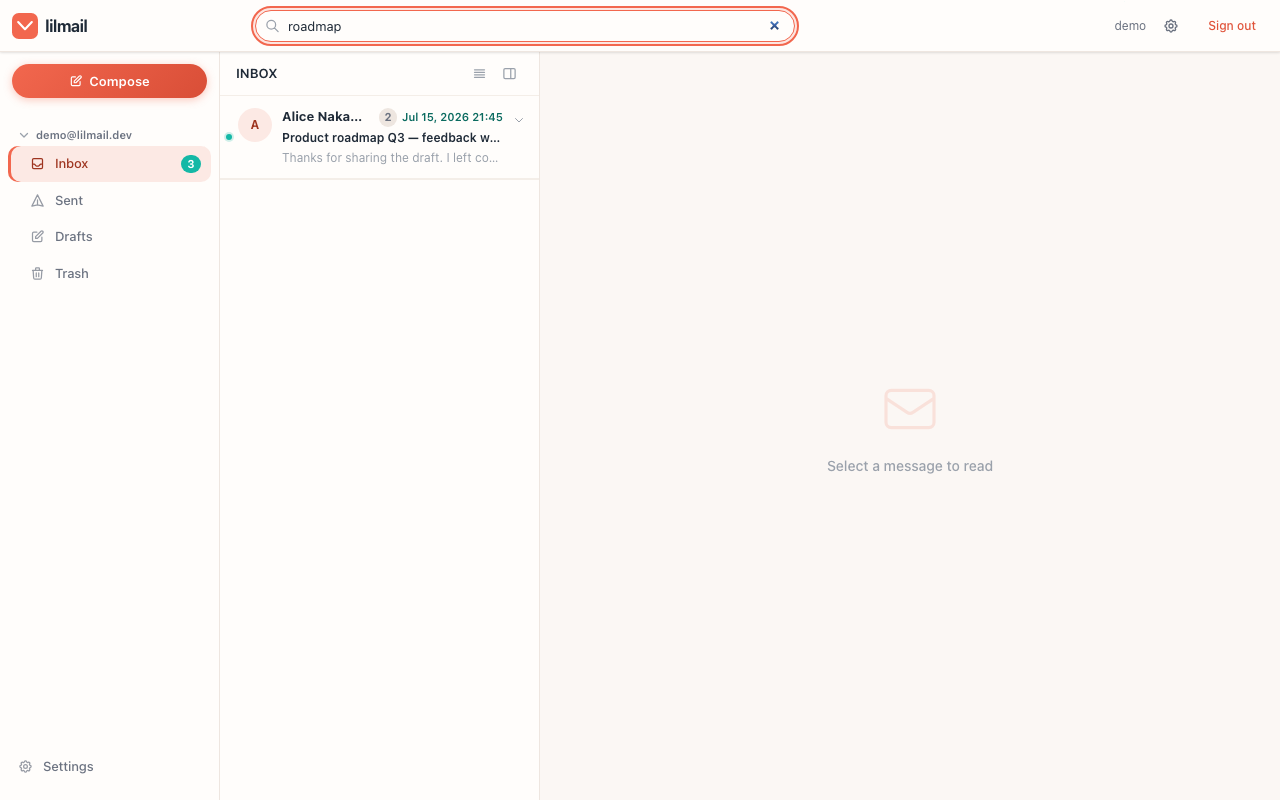
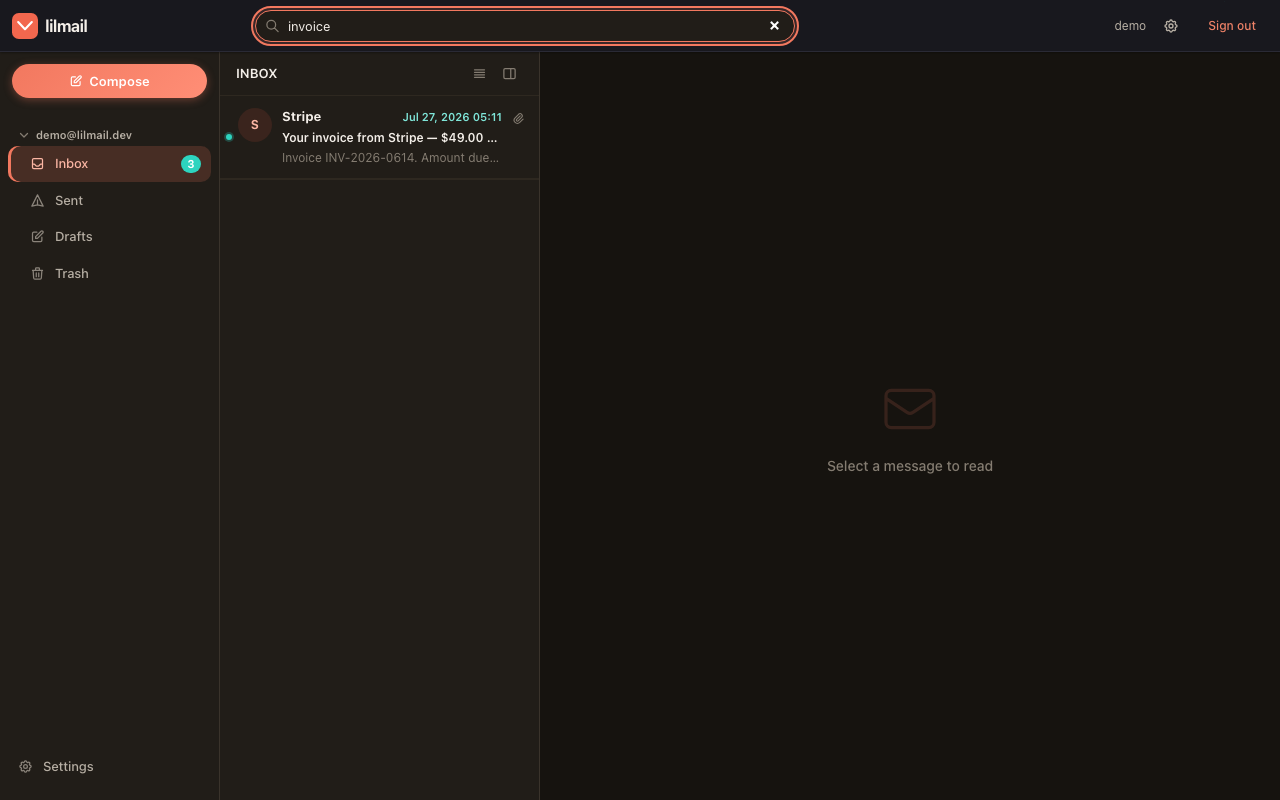
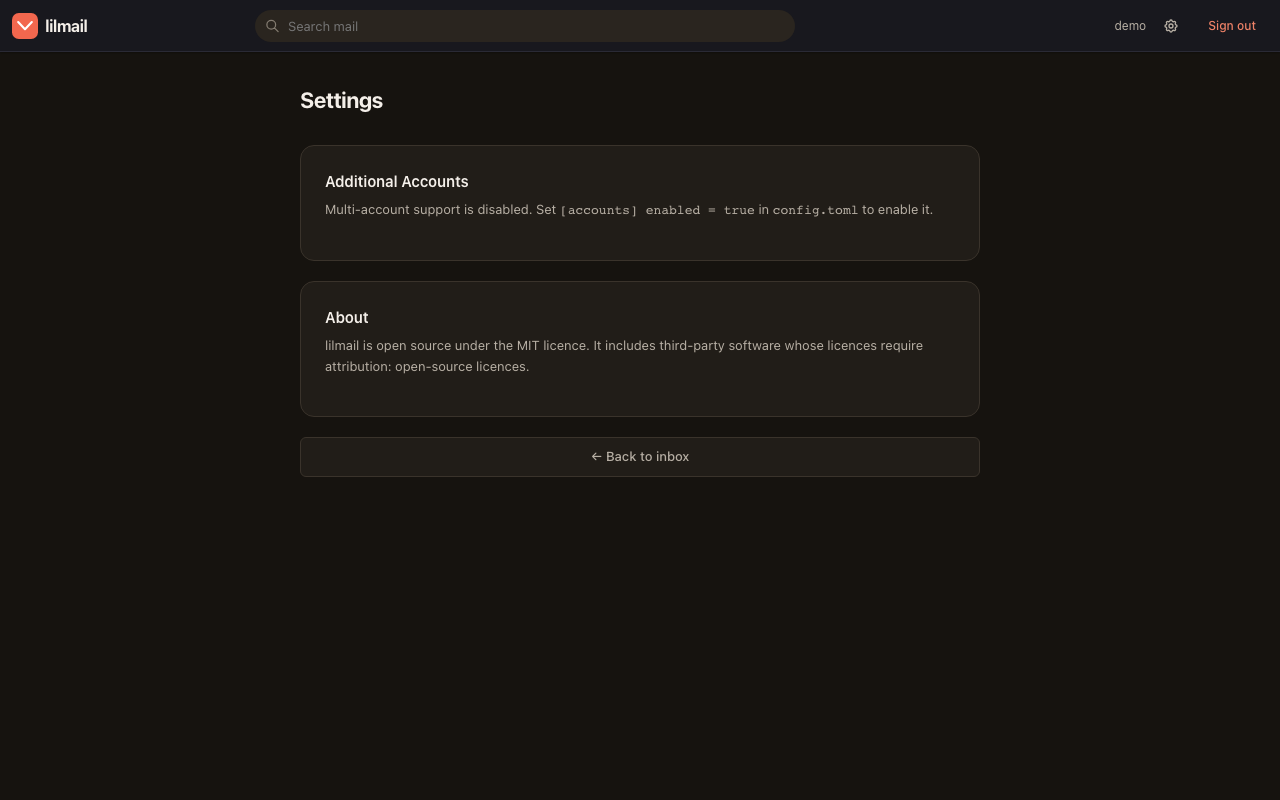
A hand-written design system — no framework, no utility soup — with a real dark mode. Every screen here is a live capture from the repo's own Playwright script.
Folders, a threaded message list and the reading pane — with unread dots, attachment markers and per-sender avatars. HTMX swaps the panels; the page never reloads.
Messages render inside a sandboxed iframe under a strict CSP. Reply, forward, archive, flag, print and delete sit in one row where you'd expect them.
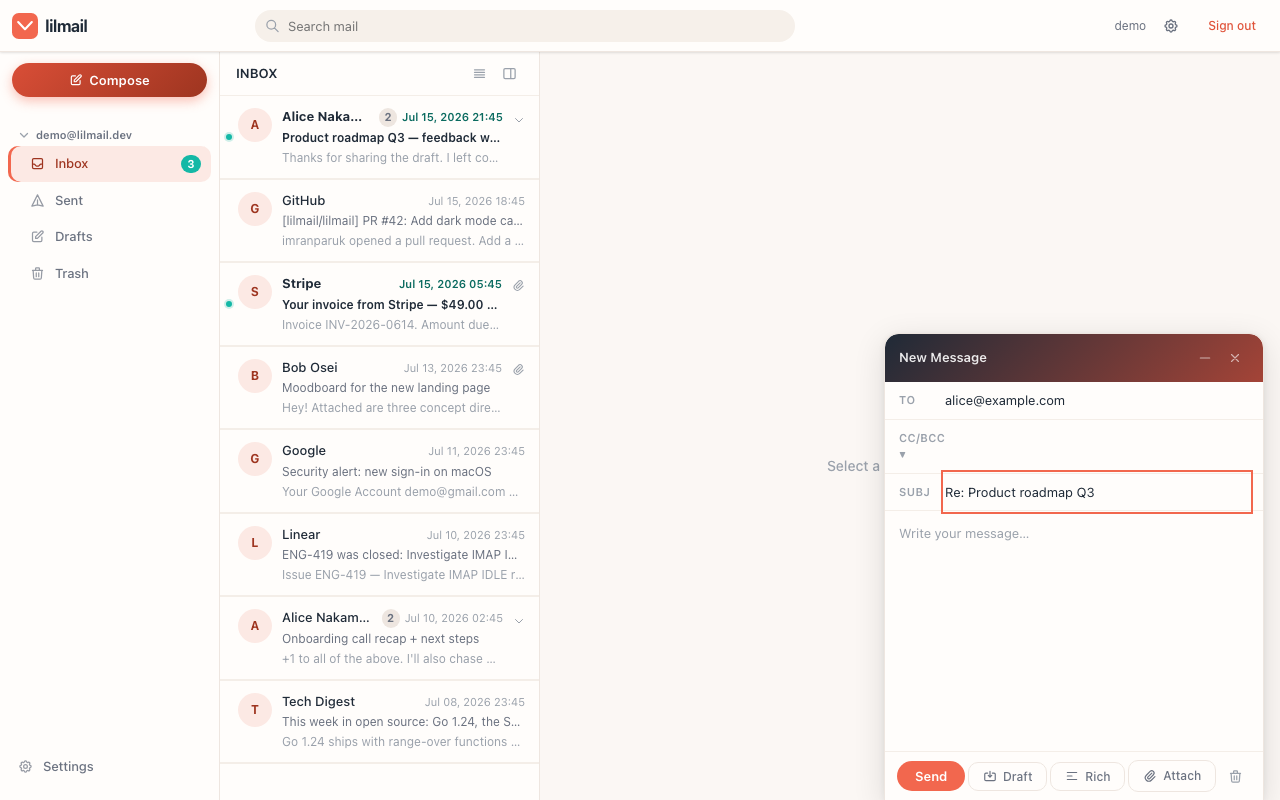
Plain-text or rich-text, file attachments as proper multipart MIME with inline cid: images, send-later scheduling, and drafts auto-saved every 30 seconds.
Search is executed by your IMAP server, not by a local index that has to be built and kept fresh. The same query is a GET /v1/search away.
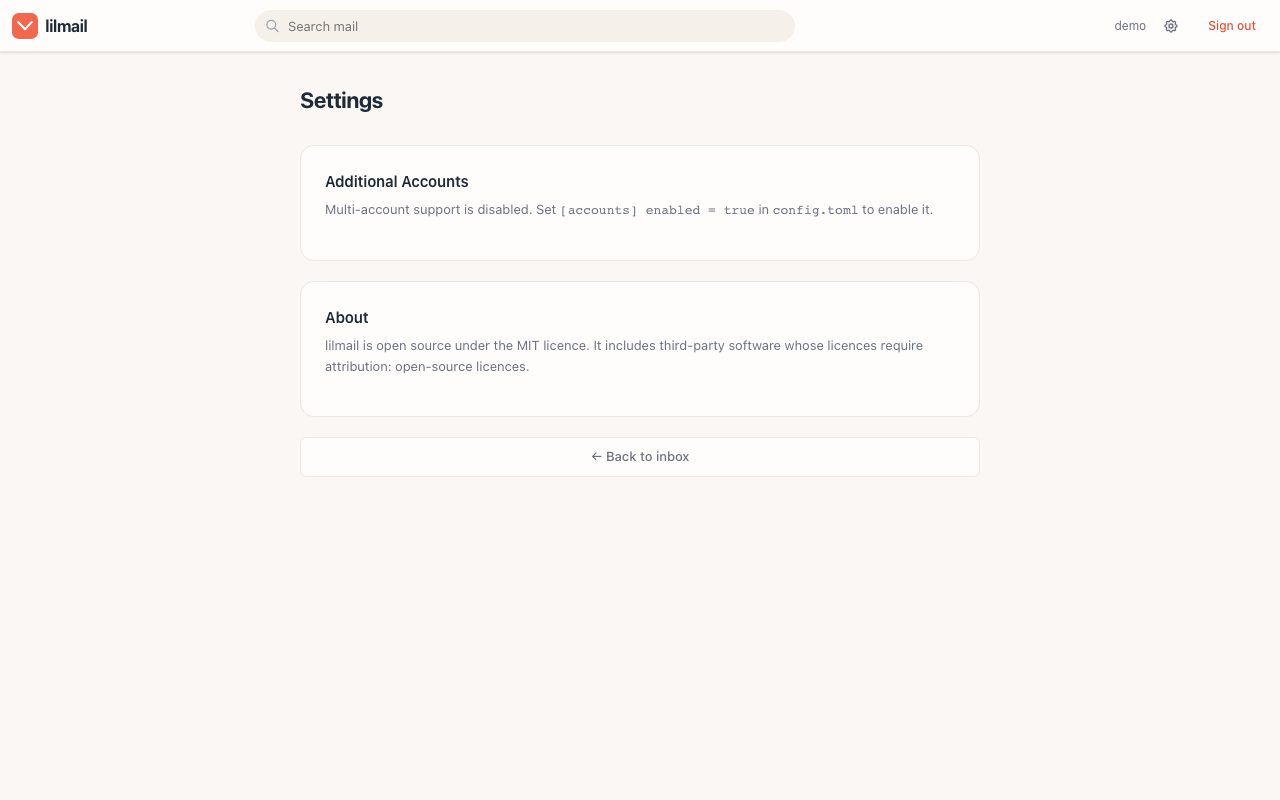
Send-as identities, signatures, the vacation responder, notification keys and connected accounts — each one also reachable over /v1/settings.
Email and mail-server password by default. Configure [oauth2] and the sign-in button runs a full authorization-code flow with PKCE.
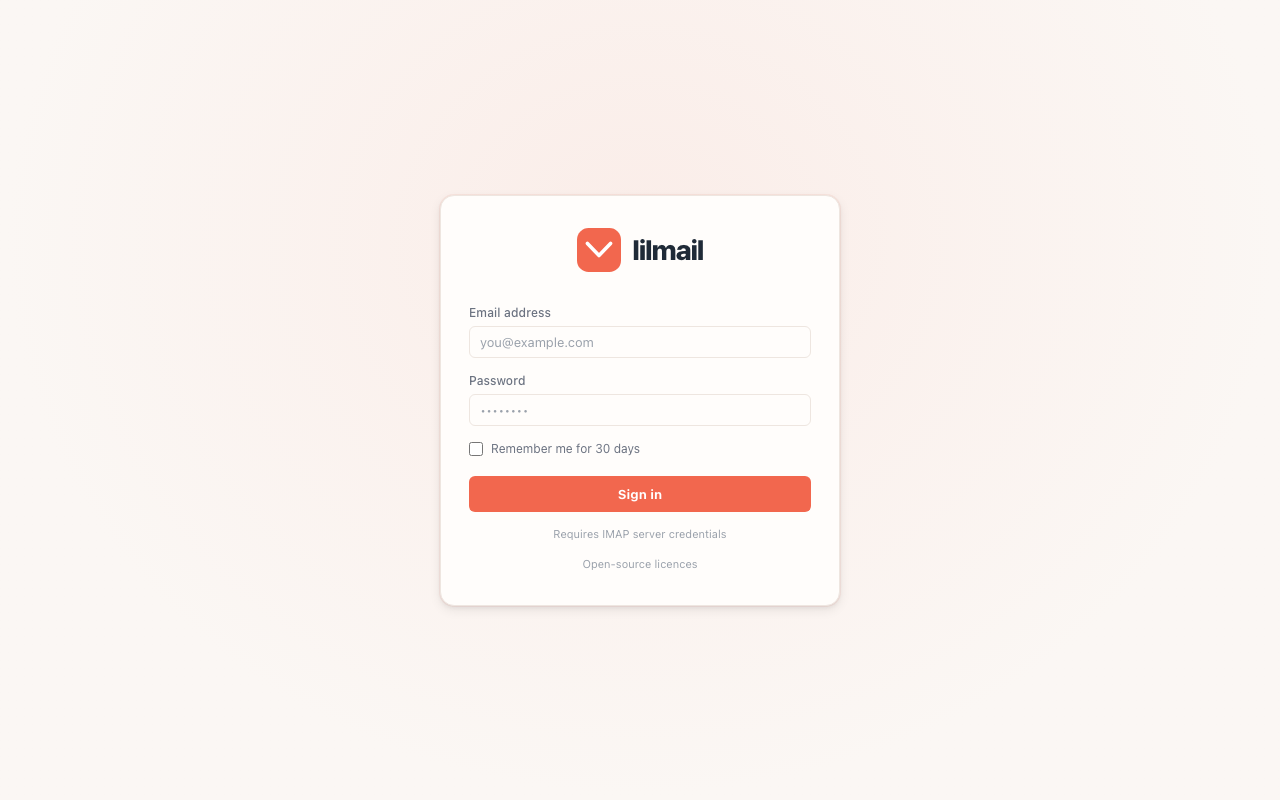
Nothing to sign up for and nothing to provision. Point lilmail at the mailbox you already have, and open it.
git clone https://github.com/vul-os/lilmail.git
cd lilmail

# copy the annotated example, then fill in your server
cp config.toml.example config.toml

go run main.go        # or: make build && ./lilmail
# → http://localhost:3000# download the archive for your OS from Releases,
# extract it, and put a config.toml beside the binary
cp config.toml.example config.toml
./lilmail # → http://localhost:3000
./lilmail -version # print version and exitdocker build -t vulos/lilmail .
docker run -p 3000:3000 \
-v $PWD/config.toml:/app/config.toml \
vulos/lilmail[server]
port = 3000
[imap]
server = "imap.example.com"
port = 993
tls = true
[smtp]
port = 587
use_starttls = true
[jwt]
secret = "change-me-to-a-long-random-string"
[encryption]
key = "a-32-character-encryption-key!!"Build it with Go 1.23+, pull a release archive, or run the container. Only config.toml has to sit alongside it.
The minimum is an IMAP server, a JWT secret and a 32-character encryption key. Every optional section stays off until you add it.
Open http://localhost:3000 and use your email and mail-server password — or the OAuth2 button once [oauth2] is configured.
openssl rand -hex 32 for jwt.secret, and a random 32-character encryption.key — it's the AES-256 key protecting stored credentials.
The HTMX UI and the /v1 JSON API are the same mail engine under the same session auth. Build a rich client, a script or a widget on it — the shapes are a stable, additive contract.
sendAtcurl -s --cookie jar.txt \
'http://localhost:3000/v1/messages?folder=INBOX&limit=25' \
| jq '.messages[0] | {from, subject, date}'The API reuses the session cookie from POST /login or the OAuth2 flow — there's no second token scheme to manage. Unauthenticated calls answer 401 with JSON instead of redirecting, so a fetch() client can react in code.
Think Evolution plus Evolution-Data-Server, for the web: a fully independent project with no hosted service behind it and nothing it needs from anyone else's infrastructure.
lilmail connects to the mailbox you already own — Gmail, Outlook or any standards-compliant server — over OAuth or password.
Frontend assets are embedded with embed.FS and durable state is a local bbolt file, so an offline box is a supported deployment.
Sensible defaults rather than switches you have to remember, and a threat model written down in the docs.
SameSite=Lax cookies
Vulos is a family of open, self-hostable apps. lilmail is a fully standalone product — it never requires Vulos infrastructure — and its /v1 API is the seam Vulos OS and any other rich client integrate over.